1
Chapter 4: User Tests
Wired Performance Test
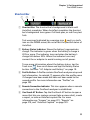
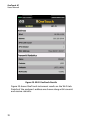
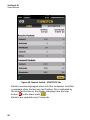
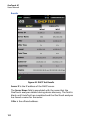
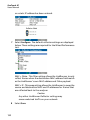
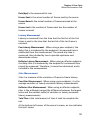
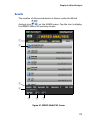
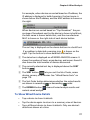
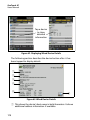
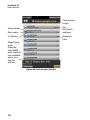
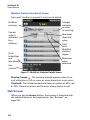
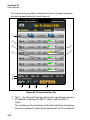
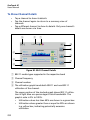
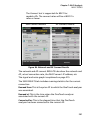
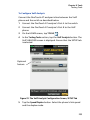
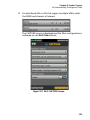
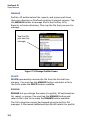
The Connections section provides information about the
connection to the source OneTouch AT analyzer. This section is
populated with information when the source OneTouch AT
analyzer initiates the test and the connections are made.
•
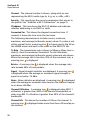
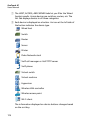
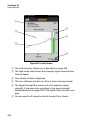
The IP address of the last source OneTouch AT analyzer to
which the peer was connected is shown.
•
The IP address of the currently connected source is shown.
•
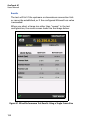
The test state is shown: Ready, Running, or Finishing.
The state is also shown in the bottom-left corner.
•
Linking indicates that the peer is getting an IP address
and connecting to the network.
•
Ready indicates that the peer is ready to exchange traffic
with the source.
•
Running indicates that traffic is being exchanged.
To Configure a LinkRunner AT 2000 as a Reflector
Note
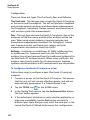
The LinkRunner AT 2000 Reflector feature only
operates on a full duplex link.
1
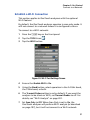
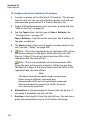
Connect the ac adapter to the LinkRunner AT 2000 or ensure
that the battery has enough charge to complete the test.
2
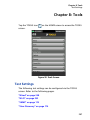
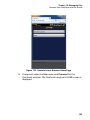
On the LinkRunner AT 2000 home screen, select Tools.
3
Select General Configuration.
4
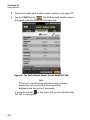
Under the Manage Power section, ensure that the Auto
Shutoff Enabled check box is unchecked. This will prevent the
LinkRunner from powering down while reflecting traffic.
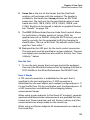
5
Select Save.
6
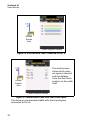
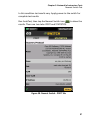
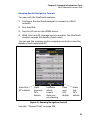
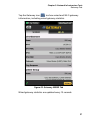
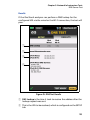
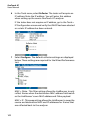
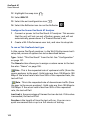
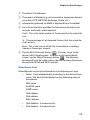
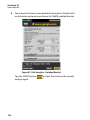
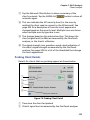
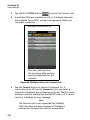
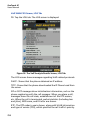
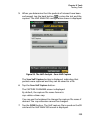
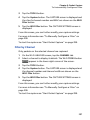
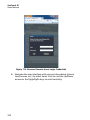
In the Tools menu, select Reflector. The tester will acquire an
IP address. Note the IP address. You will enter this address
when setting up the source OneTouch AT analyzer.
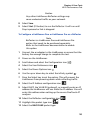
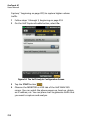
If the tester does not acquire an IP address, go to the Tools >
IP Configuration screen and verify that DHCP has been selected
129