1
Chapter 5: Profiles
Export and Import Profiles
5
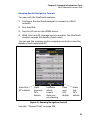
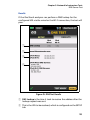
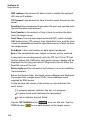
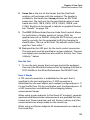
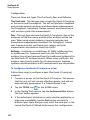
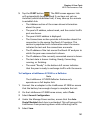
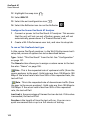
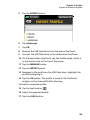
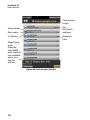
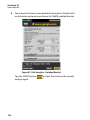
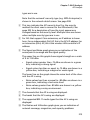
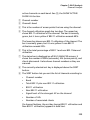
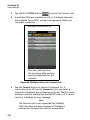
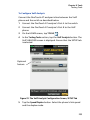
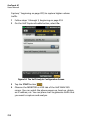
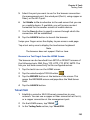
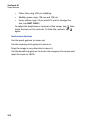
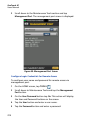
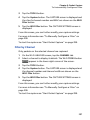
Tap the EXPORT button.
6
Tap usbstorage.
7
Tap OK.
8
Remove the USB flash drive from the source OneTouch.
9
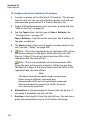
Connect the USB flash drive to the destination OneTouch.
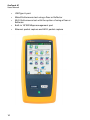
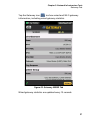
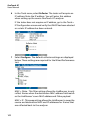
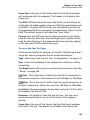
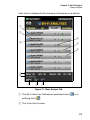
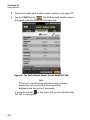
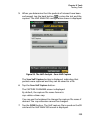
10 On the destination OneTouch, tap the Profile name, which is
in the shortcut bar at the top of the screen.
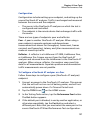
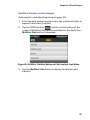
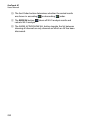
11 Tap the MANAGE button.
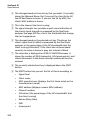
12 Tap the IMPORT button.
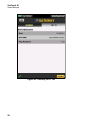
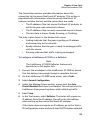
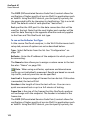
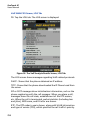
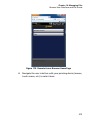
13 Navigate to the profile on the USB flash drive. Highlight the
profile by tapping it.
14 Tap the OK button. The profile is saved to the OneTouch
analyzer in the /internal/Profiles directory.
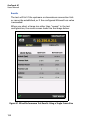
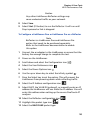
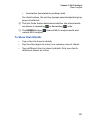
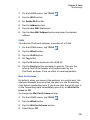
To load the imported profile:
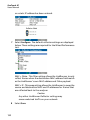
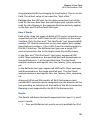
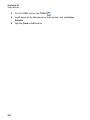
15 Tap the back button
.
16 Select the imported profile.
17 Tap the LOAD button.
169