1
ReadyNAS OS 6.0
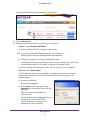
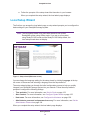
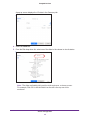
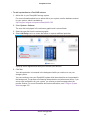
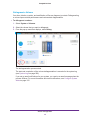
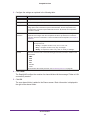
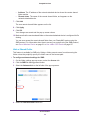
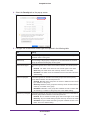
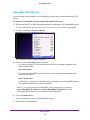
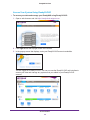
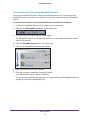
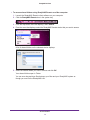
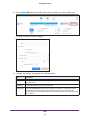
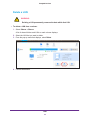
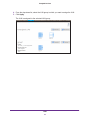
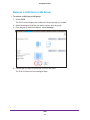
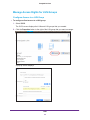
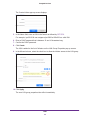
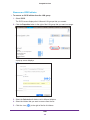
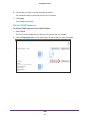
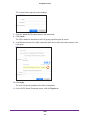
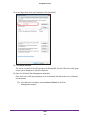
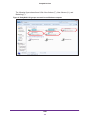
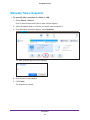
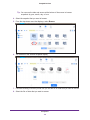
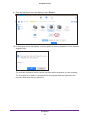
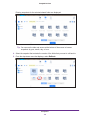
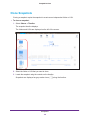
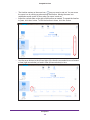
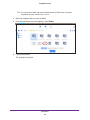
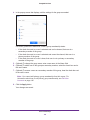
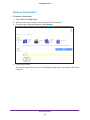
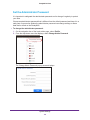
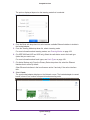
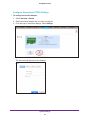
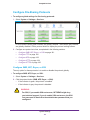
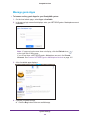
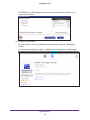
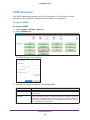
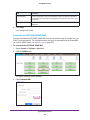
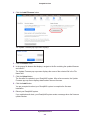
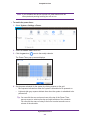
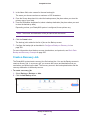
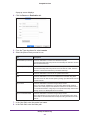
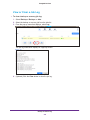
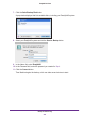
4. Select the Security tab on the pop-up screen.
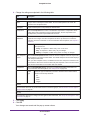
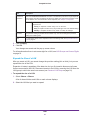
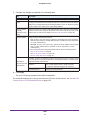
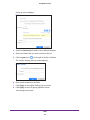
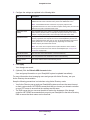
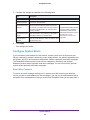
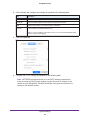
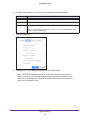
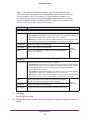
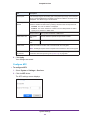
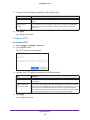
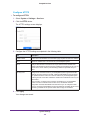
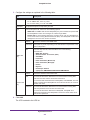
5. Configure the file and folder access rights as explained in the following table:
Item
Setting
Folder Owner
You can assign a single user or the administrator as the folder owner. By default,
the folder owner is set to guest.
Folder Group
You can assign a single group, a single user, or the administrator as the folder
group. By default, the folder group is set to guest.
Folder Owner Rights
Permissions granted to the folder owner. Make a selection from the drop-down
list:
• Disabled. The folder owner does not have access rights to the folder.
• Read Only. The folder owner has read-only access to the folder.
• Read/Write. The folder owner has read/write access to the folder. This is the
default setting.
Folder Group Rights
Permissions granted to members of the same group as the owner’s primary
group. Make a selection from the drop-down list:
• Disabled. Members of the group have no access to folders that are owned
by a member of the group.
• Read Only. Members of the group have read-only access to folders that are
owned by a member of the group.
• Read/Write. Members of the group have read/write access to folders that
are owned by a member of the group. This is the default setting.
Folder Everyone Rights
Permissions granted to users who are not the folder owner and not members of
the folder group. Make a selection from the drop-down list:
• Disabled. No one outside the folder group has access rights to the folder.
• Read Only. Anyone outside folder group has read-only access to the folder.
• Read/Write. Anyone outside the folder group has read/write access to the
folder. This is the default setting.
Shared Folders
58