1
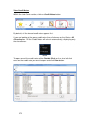
Job Card Split Summary
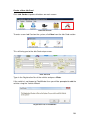
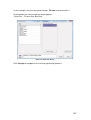
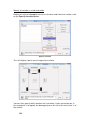
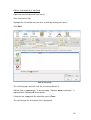
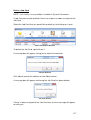
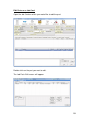
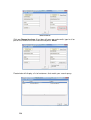
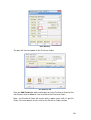
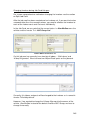
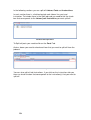
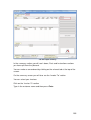
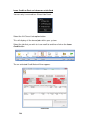
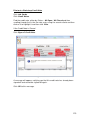
In the summary section you will see Labour, Parts and Instructions sections
you have split from the job card.
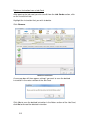
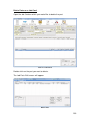
You can make an amendment by clicking on the relevant tab at the top of the
screen.
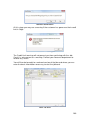
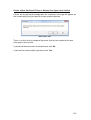
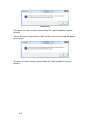
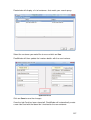
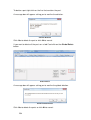
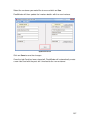
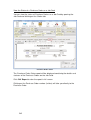
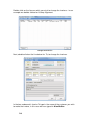
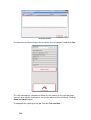
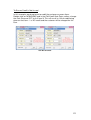
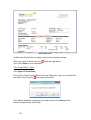
On the summary screen you will also see the ‘Invoice To’ section.
You can select your invoicee.
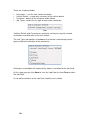
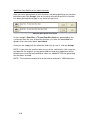
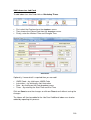
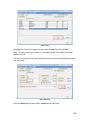
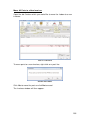
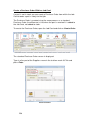
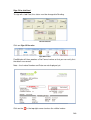
Click on the ‘Invoice To’ section
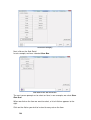
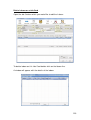
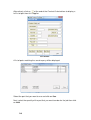
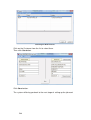
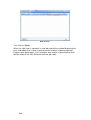
Type in the customer name and then press Enter.
255