1
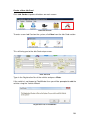
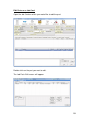
If the vehicle is known to FleetMinder then its details will automatically be
taken from the database.
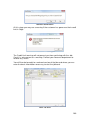
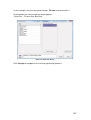
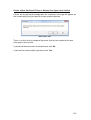
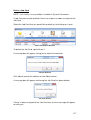
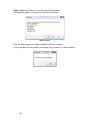
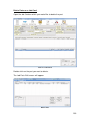
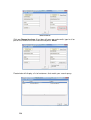
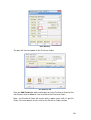
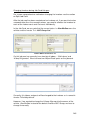
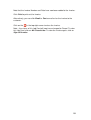
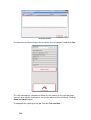
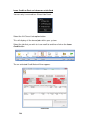
You will be prompted to check whether the Owner and Invoicee details are
correct before starting.
Check Owner and Invoicee
If you are happy with the invoicee details, click Yes to confirm it is correct.
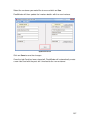
If you are not happy with the invoicee details, click No and you will be brought
to the section where you can alter the invoicee for the job card for this vehicle.
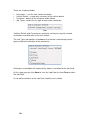
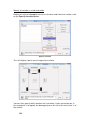
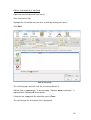
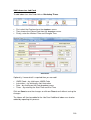
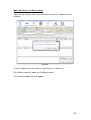
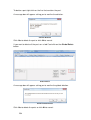
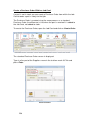
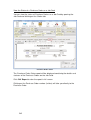
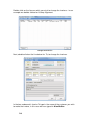
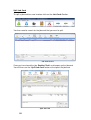
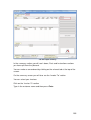
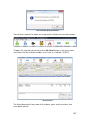
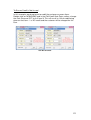
The system will fill in as much of the details at the top of the form as it knows
regarding the vehicle.
Known Vehicle
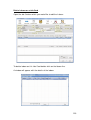
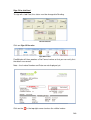
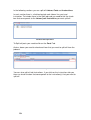
Click Continue.
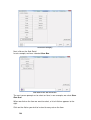
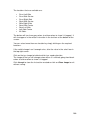
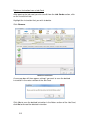
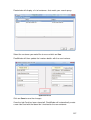
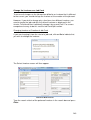
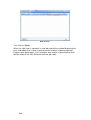
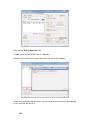
Ensure that the mileage/km is correct as this is relevant for the updating of the
Service/ Calibration area which is triggered by distance travelled as well as
amount of time that is passed.
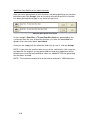
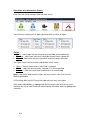
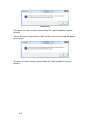
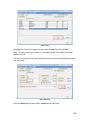
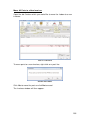
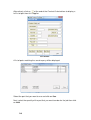
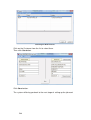
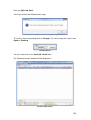
This is why the system queries as to whether you have checked the Mileage
Figure and also whether you actually want to create the job.
If you want to continue, click Yes.
If you want to abandon this job card, then click No.
202