1
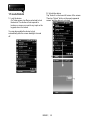
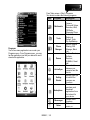
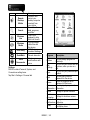
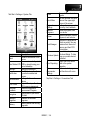
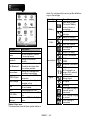
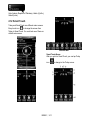
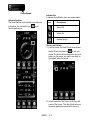
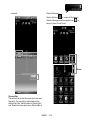
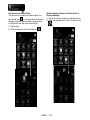
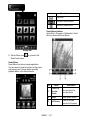
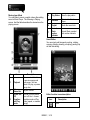
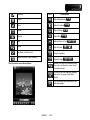
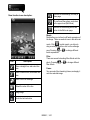
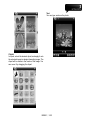
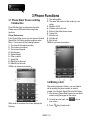
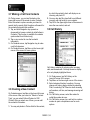
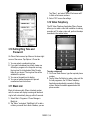
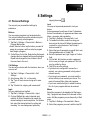
Tab Start > Settings > System Tab
Program
Description
Contains information of the
device.
You can automatically rotate
Auto Rotate LCD LCD by simply turning your
device sideways.
Backlight
Settings for backlight.
Identify the device to others
Certificates
to prevent unauthorized
access.
Settings for time and
Clock& Alarms
alarms.
Adjust different profiles for
CPU Profile
CPU power management.
Customer
Customer Experience
Feedback
Improvement Program.
Encrypt data in your micro
Encryption
SD card.
Managed
Examine the installed
Programs
programs
Memory status and running
Memory
programs.
About
Power status and wireless
signals.
You can activate the Quick
Quick Menu
Menu at the upper-right
corner of the screen.
Regional
Settings for region, number,
Settings
currency, time, and date.
Remove
Remove programs from
Programs
your device.
Screen orientation, screen
Screen
alignment, and text size.
Examine the applications
which are using. You can
examine their amount of
Task Manager
memory and their CPU
consumption.
Download and update
Windows Mobile. To help
Windows Update
keep your mobile device
protected.
Report the errors which
Error Reporting exist in the system
operation.
Set how to start programs
Voice
and functions with voice.
Commander
Settings
Power
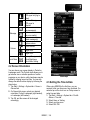
Tap Start > Settings > Connections Tab
MS820│ 2-4