1
8.5 JAVA
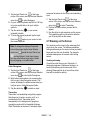
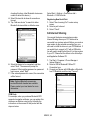
2. Tap
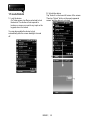
This device supports JAVA, and therefore, you can
use JAVA applications and play games.
to activate recording function.
3. Tap
to decreases the radio frequency by
0.1MHz.
8.6 Audio Mixer
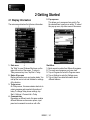
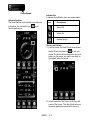
Audio Mixer enables you to configure bass, treble,
and 3D effects while you listen to the music. Use
Media Player to play your audio files, and then
activate Audio Mixer to adjust the settings. Tap Start
> Programs > Multimedia > Audio Mixer.
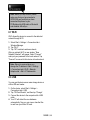
Note: If you use an A2DP Bluetooth
headset to listen to the music, Audio
Mixer won’t work.
8.7 FM Radio
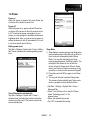
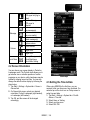
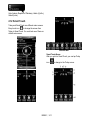
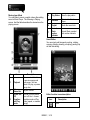
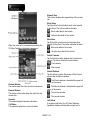
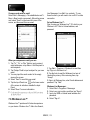
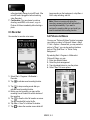
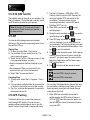
FM Radio allows you to listen to FM Radio on MS820,
you must insert the stereo headset before you open
the FM radio.
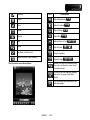
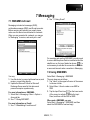
to search for the next lower FM
4. Tap
channel.
5. Tap
to search for the next higher FM
channel.
6. Tap
to increases the radio frequency by
0.1MHz.
to switch between headset and
7. Tap
speaker output.
8. Press the volume control
to adjust the FM Radio volume.
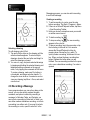
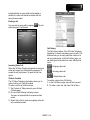
8.8 Streaming Player
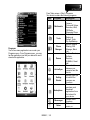
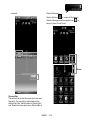
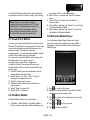
You can use Streaming Player to watch TV, or listen
to the streaming video on the Internet, or access to
the operator WAP portal. This function supports all
the streaming files. TV and radio contents are
provided by your operator. Click any streaming link
on Pocket Internet Explorer will launch this player.
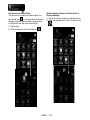
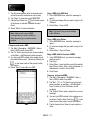
Go to streaming client:
Start > Programs > Multimedia > Streaming Player
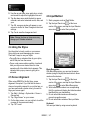
1. Select Start > Programs > Multimedia > FM
Radio.
MS820│8-4