1
Central WifiManager Configuration
D-Link Central WifiManager Software User Manual
CWM Configuration System Settings Database
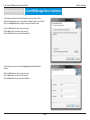
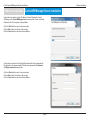
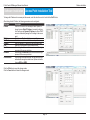
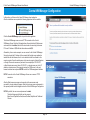
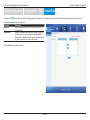
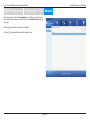
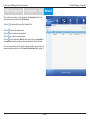
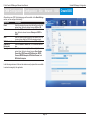
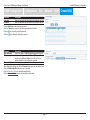
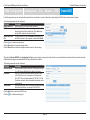
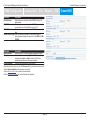
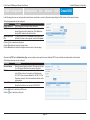
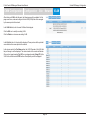
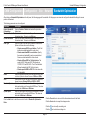
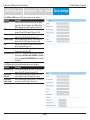
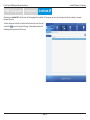
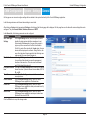
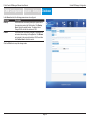
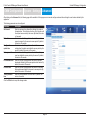
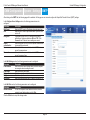
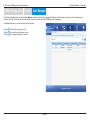
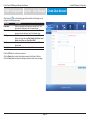
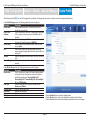
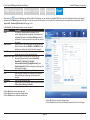
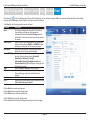
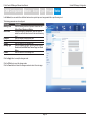
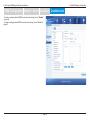
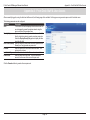
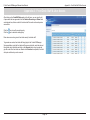
After clicking on the Database tab, the following page will be available. On this page we can view and configure how this application backs up or restores the database
information and at what time intervals this should take place. In the Database tab, there are two sub-tab pages called General and Backup.
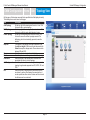
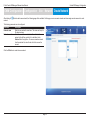
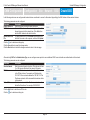
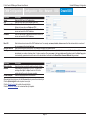
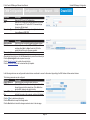
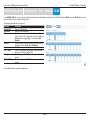
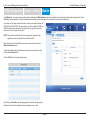
In the General sub-tab, the following parameters can be configured.
Parameter
Description
Enable auto backup Select this option to enable the automatic backup feature of
the application’s database.
Auto backup interval Enter the automatic backup interval time, in days, here. By
time
default, this value is 7 days. To remove the old database
backed up information after the new database was
successfully backed up, select the ‘Old data will be deleted
once the automatic backup process finishes’ option and
enter the pending days value in the text box. By default, this
value is 7 days.
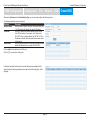
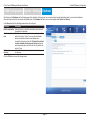
Data backup
In this field the path to the backup directory will be displayed
directory
for reference.
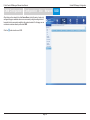
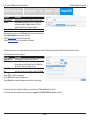
Click the OK button to accept the changes made.
Page 61