1
Software Installation
D-Link Central WifiManager Software User Manual
Software Installation Access Point Installation Tool
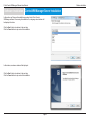
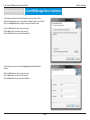
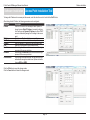
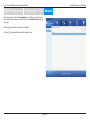
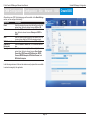
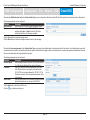
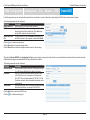
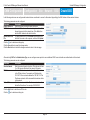
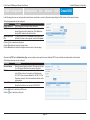
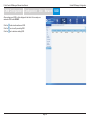
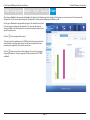
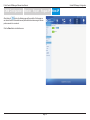
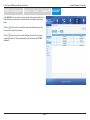
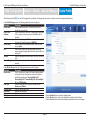
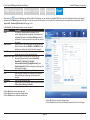
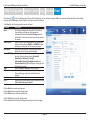
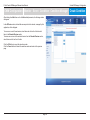
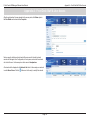
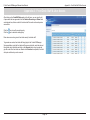
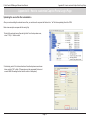
After clicking the OK button to set the IP address, the access point will be configured
and some time will be given for the access point to restart after the new IP address
was applied.
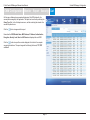
The Status parameter will display the progress of the IP address configuration and
access point reboot.
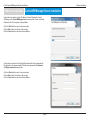
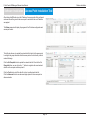
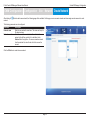
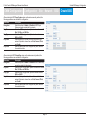
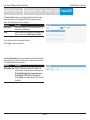
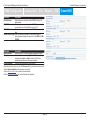
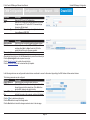
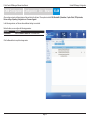
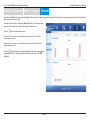
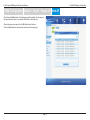
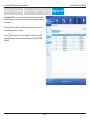
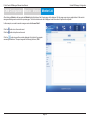
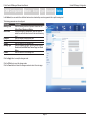
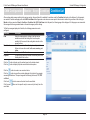
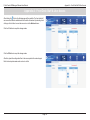
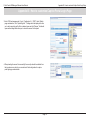
This utility also allows us to upload the network data file directly to the access point
to configure the group information that this access point will use to identify in which
network it belongs.
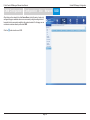
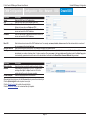
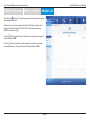
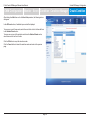
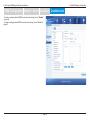
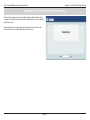
Click the Set GroupInfo button to upload the network data file. After click the Set
GroupInfo button, we can click on the “...” button to navigate to the saved network
data file on the computer and then upload it.
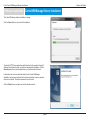
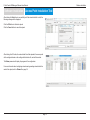
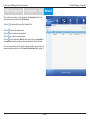
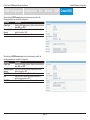
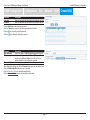
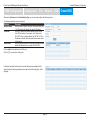
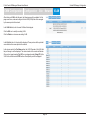
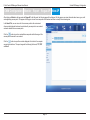
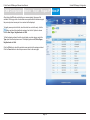
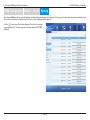
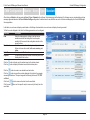
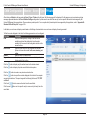
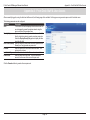
Click the Test button to test if the data file is in fact a valid network data file.
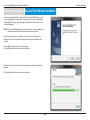
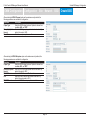
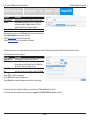
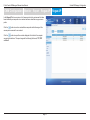
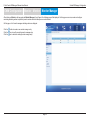
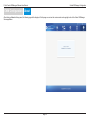
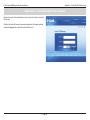
Click the Advanced button to use advanced login options for the access point as
discussed earlier.
Page 16