1
Central WifiManager Configuration
D-Link Central WifiManager Software User Manual
CWM Configuration Monitor Report Association By Access Point
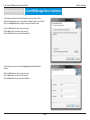
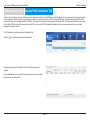
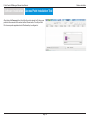
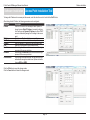
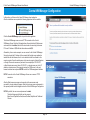
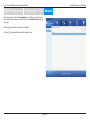
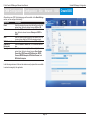
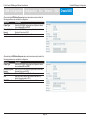
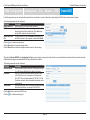
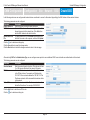
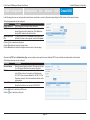
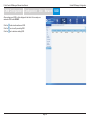
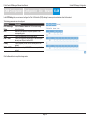
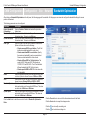
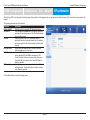
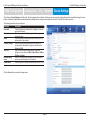
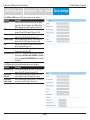
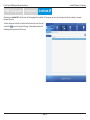
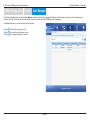
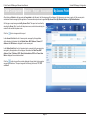
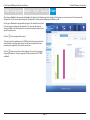
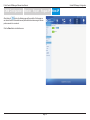
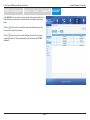
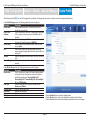
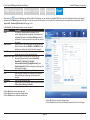
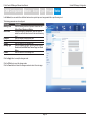
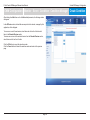
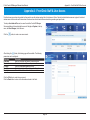
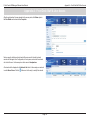
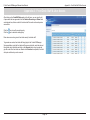
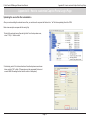
After clicking on Monitor in the top panel and Association in the left panel, the following page will be displayed. On this page we can view a report of all the access points
and wireless clients managed by this application. Three association reports can be generated By Access Point, By Wireless Station, and By Station Number.
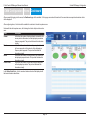
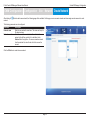
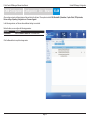
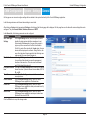
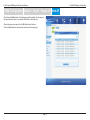
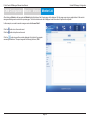
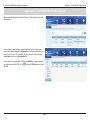
On this page a report was generated By Access Point. This report can be refined by
selecting the Group (Site), from the first drop-down menu, and also then selecting the
network in the second drop-down menu.
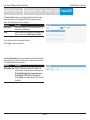
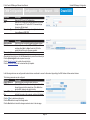
Click the
button to regenerate this report.
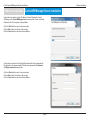
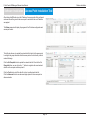
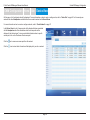
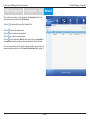
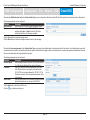
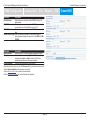
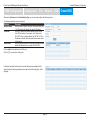
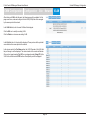
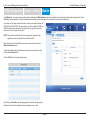
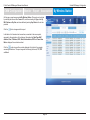
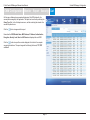
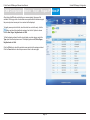
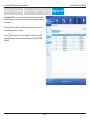
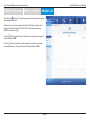
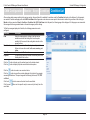
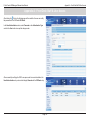
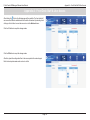
In the Access Point table the list of access points, managed by this application,
will be displayed. Information like the Module Name, MAC Address, Channel, IP
Address and HW Version is displayed for each access point.
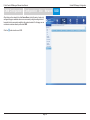
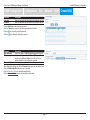
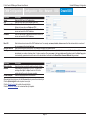
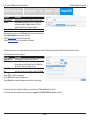
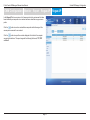
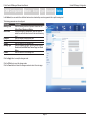
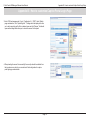
In the Station Detail table the list of wireless clients, connected to the access points,
managed by this application, will be displayed. Information like Date/Time, MAC
Address, Alias, IP Address, SSID, Band, Authentication, RSSI and Power Save
Mode is displayed for each wireless client.
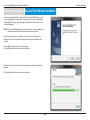
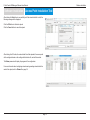
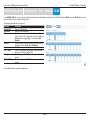
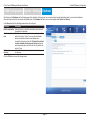
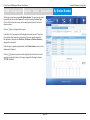
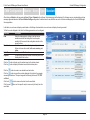
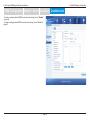
button to export the contents displayed in these tables to the computer
Click the
accessing this interface. This export supports the following file formats; TXT, PDF
and Excel.
Page 67