1
Laipac Technology Inc.
StarFinder Lite User’s Manual & Reference Guide
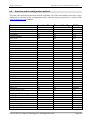
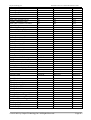
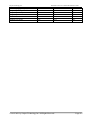
3.4.3 Save setting into or read setting from the device
Save setting into unit and valid it
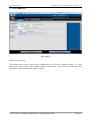
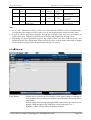
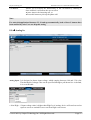
Once user complete the configuration, he should click “Save All Setting to Device” button to save
the edited setting into unit if this saving process is OK, Operator should see the pop up window
with prompt “Writing new setting … Success”.
To valid this configuration, user needs
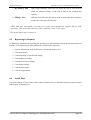
● Disconnect computer with unit
● Insert a valid SIM card into unit and power up the unit with DC power supply (12V)
● Reset unit with reset button to start running application
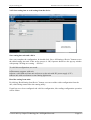
Read the setting from units
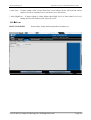
By clicking “Read Setting from Device” button, user can read the reside configuration from the
unit, which being connected to the running utility.
If unit has never been configured and valid its configuration, this reading configuration operation
will be failure.
© 2012-2021 by Laipac Technology Inc. All Rights Reserved.
Page 16