1
Inner Balance Scan 2.0 User’s Manual
Please wait for about a minute until all software components are loaded and the program will respond.
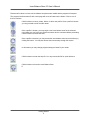
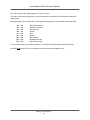
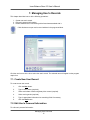
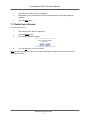
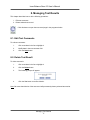
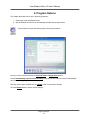
The program interface starts off with a main page with a row of buttons at the bottom. Click on one of
them to continue.
Click this button to chose, create, delete, or edit a user profile. Once a profile is chosen
you may proceed to all of the other areas.
Once a profile is chosen, you may begin a new inner balance scan for the selected
user. Make sure you have your pulse wave sensor device connected before proceeding.
Click this button to initiate new test.
Once a profile is selected, you may access the inner balance scan test result history by
clicking this button. You may also access the test summary through this section.
In this section you may change program settings to better fit your needs.
Click this button to enter the help file. You may access this file for quick reference.
Click this button to leave the Inner Balance Scan.
E
Getting Started
6