1
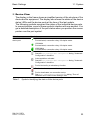
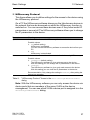
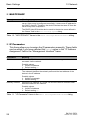
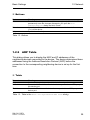
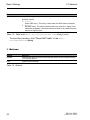
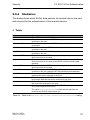
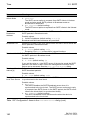
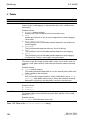
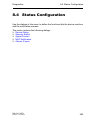
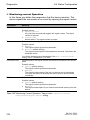
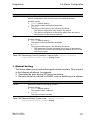
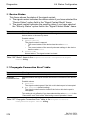
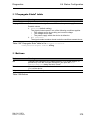
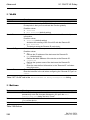
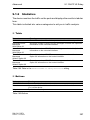
Diagnostics 8.3 Ports 8.3 Ports This menu shows information on the port statistics, on the utilization on the individual ports, and on the connected SFP transceivers. The menu contains the following dialogs: Statistics Table Utilization SFP TP cable diagnosis Port Monitor Auto Disable Port Mirroring 8.3.1 Statistics Table This dialog shows you in table form for each device port how many data packets the device has sent and received. To reset the values in the table to 0, click "Reset port counters" in the Basic Settings:Restart dialog. Buttons Button Reload Meaning Updates the fields with the values that are saved in the volatile memory (RAM) of the device. Reset port counters Resets the counter for the port statistics to 0. Help Opens the online help. Table 228:Buttons 246 RM GUI RSPL Release 2.0 02/2013