1
Chapter 12: LMS (Administrator Manual)
SharpSchool User Manual
V.
Add a Grade Level
After creating Departments for your Organizations,, the next step will be to create the Grade
Levels of your courses.
Note: Only server administrators
dministrators have permissions to create Grade
rade Levels. It is
recommended that ability to create Grade Levels be restricted.
-
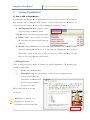
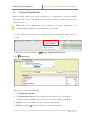
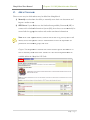
To create Grade Levels,, click on System Administration in the Administration menu in the grey
tool bar
-
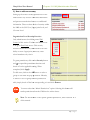
Under eLearning Server click on
-
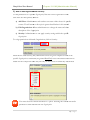
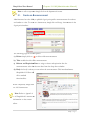
Here under *Level Name,, simply add in the grade level and click Add
-
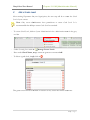
To delete a grade level, simply click on
Manage Course Levels
This
is grade level will now be available to teachers as they create their online classrooms.
13 | P a g e