1
May 24, 2012
WI – XVLite™ User Manual
3.2.8
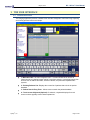
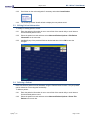
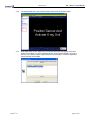
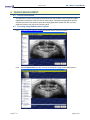
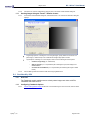
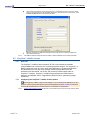
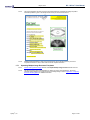
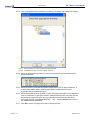
Proceed to shoot the x-ray. The new image from the sensor will appear in the selected
tile.
3.2.9
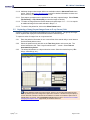
The application will then advance to the next tile in the series.
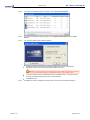
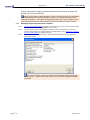
If ‘Continue using this sensor’ was selected in Step 6, the sensor will automatically be
prepared and readied for the next capture.
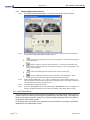
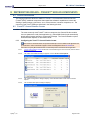
If ‘Continue using this sensor’ was not selected in Step 6, the ‘Capture Sensor Image’
screen will display for the user to select the desired sensor. Click on OK to continue
with the capture.
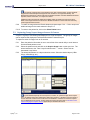
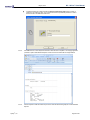
3.2.10 Place the sensor in the patient’s mouth and position it to capture the set of teeth
associated to the next tile.
3.2.11 Repeat Steps 8 – 10 until the last image in the series has been captured.
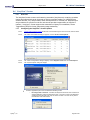
3.2.12 Click Finished when all images in the series are captured. The layout will be
automatically stored to the patient’s file.
Apteryx®, Inc.
Page 17 of 95