Download Operating Manual

Transcript
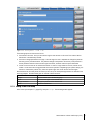
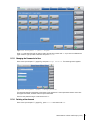
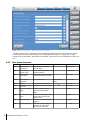
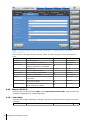
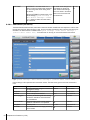
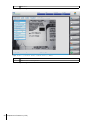
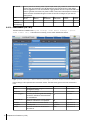
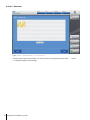
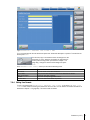
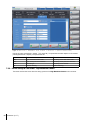
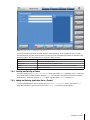
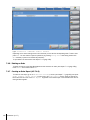
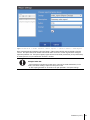
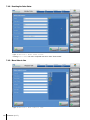
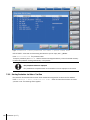
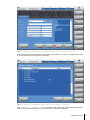
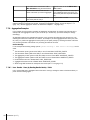
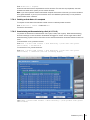
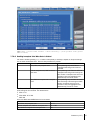
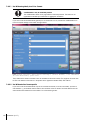
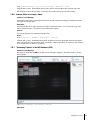
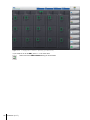
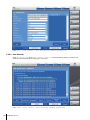
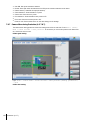
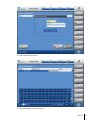
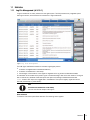
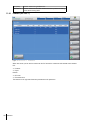
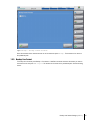
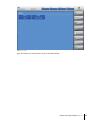
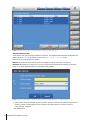
Figure: System Settings > Edit device settings > (select <megapixel camera
tab>).
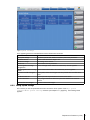
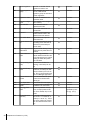
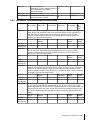
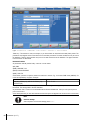
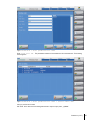
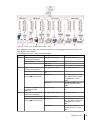
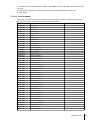
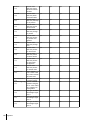
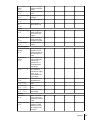
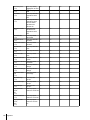
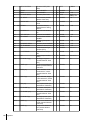
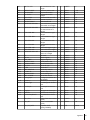
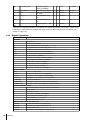
Edit the settings at the input fields and scroll down menus. The table below gives an overview of these func­
tions:
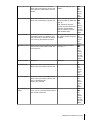
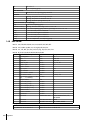
Parameter
Name
Description
Name that has been assigned in the device
management settings
Description
Optional description
ConnWatchDogTO
Customizable time WatchDog [ms]
PLCName
Select suitable value
autoVerifyAggUnit
Possibility of combining with one reading
process the verification and commission
into the database.
automaticMode
When automatic mode is active, manual
operation of the device is not possible.
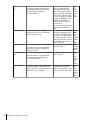
baudRate
Baud rate between Camera and IPC
boxingRank
Hierarchy level
comPort
Sets the COM Port to that to which the
camera is connected.
Image Port
for TCPIP connection
Internal Formats
Camera manages internal formats
needDeviceFormat
Determines whether the device is jointly
used in the line format.
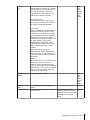
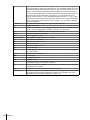
preAggregationReject Units scanned by aggregation reader are
validated direct after read and rejected by
PLC. Default the validation process starts
with the covering box close signal (content
size is reached or close button)
Parity
RS232 value
(EVEN/MARK/NONE/ODD/SPACE)
70
Preparation for Production (A-3.6)
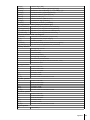
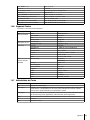
Default value
HRC
Allowed values
Alphanumeric
10000
-
Alphanumeric
Numeric
Drop-down list
Checkbox
Checkbox
57600
(2) Bundle
COM2
Drop-down list
Drop-down list
Drop-down list
50000
Numeric
Checkbox
Checkbox
Checkbox
None
Drop-down list