1
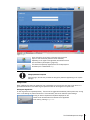
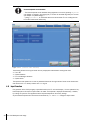
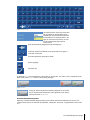
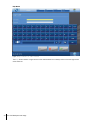
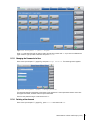
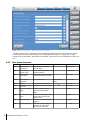
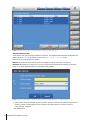
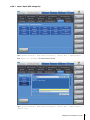
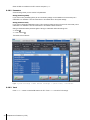
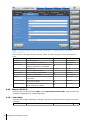
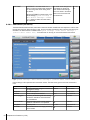
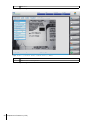
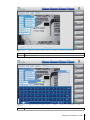
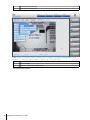
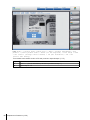
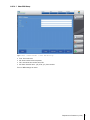
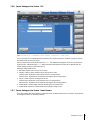
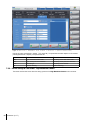
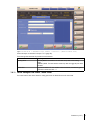
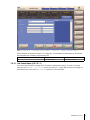
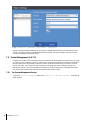
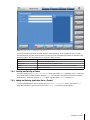
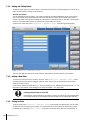
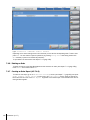
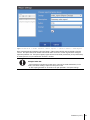
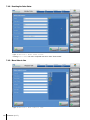
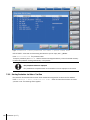
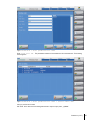
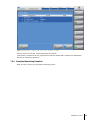
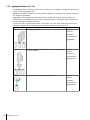
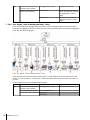
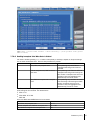
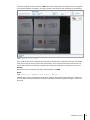
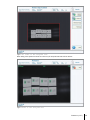
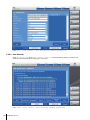
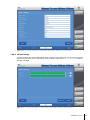
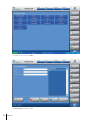
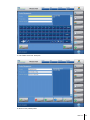
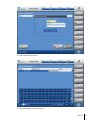
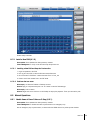
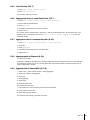
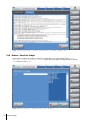
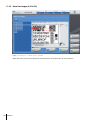
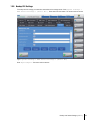
Figure: Home > (<select smart camera bar>) > Menu > Product management > New
product > (enter product name) > Enter (at the keyboard) > Live Image > Next
> OCV control (arrange control window) > OK (set threshold) > OK > Yes
(select font memory) > No > Next
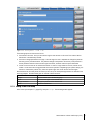
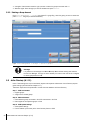
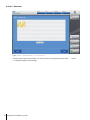
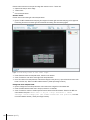
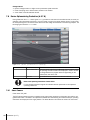
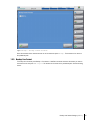
You can return to production or add a new control window. To add another control window press Add control
window. You will be redirected to step 11. To return to production close the Product management dialog by
pressing x and press Production at the Main Menu dialog.
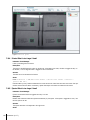
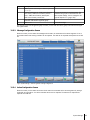
6.2.8.5 High Resolution Camera
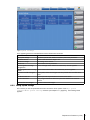
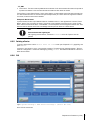
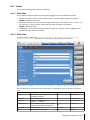
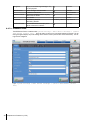
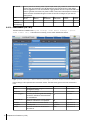
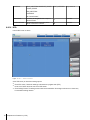
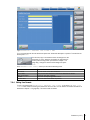
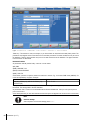
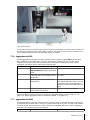
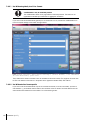
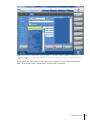
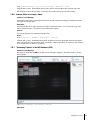
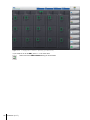
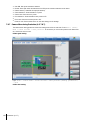
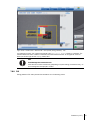
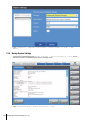
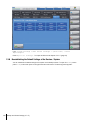
The High Resolution Camera is editable under System Settings > Edit device settings >
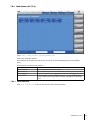
(select <megapixel camera tab>). At the tab menu on the top you can switch between the screens.
Preparation for Production (A-3.6)
69