1
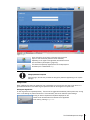
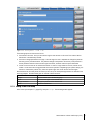
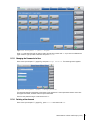
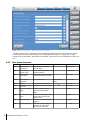
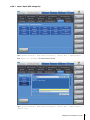
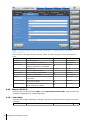
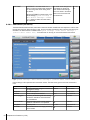
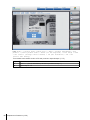
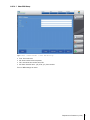
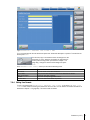
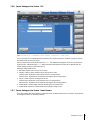
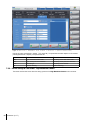
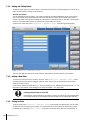
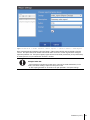
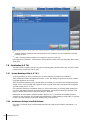
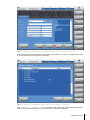
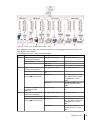
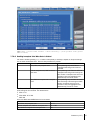
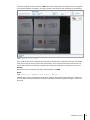
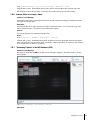
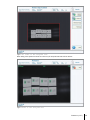
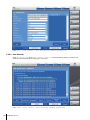
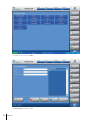
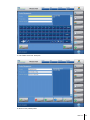
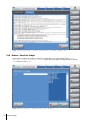
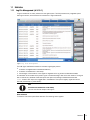
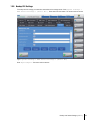
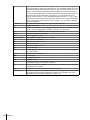
Figure: Home > (<select smart camera bar>) > Menu > Product management > New
product > (enter product name) > Enter (at the keyboard) > Live Image > Next
> OCV control (arrange control window) > OK (set threshold)
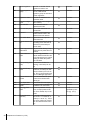
Step
14
15
Action
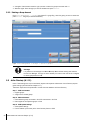
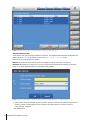
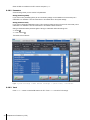
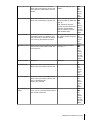
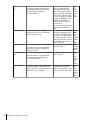
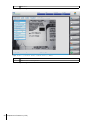
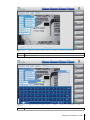
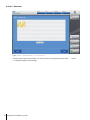
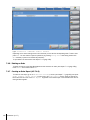
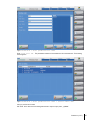
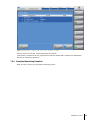
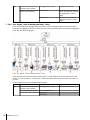
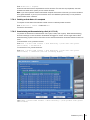
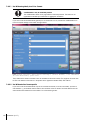
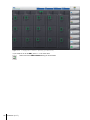
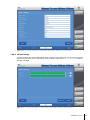
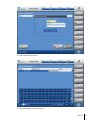
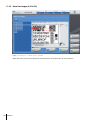
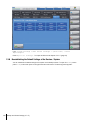
Move threshold in a way until you can clearly read the font.
Then press OK to confirm.
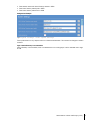
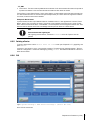
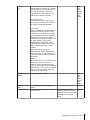
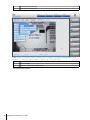
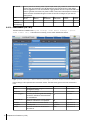
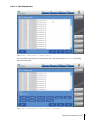
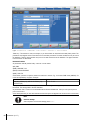
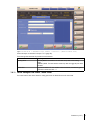
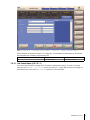
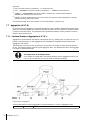
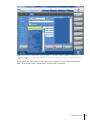
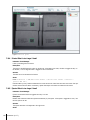
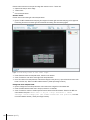
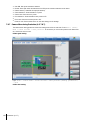
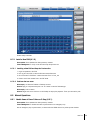
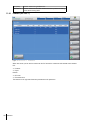
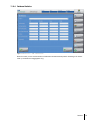
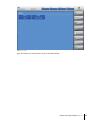
The following dialog (Window with measuring arrows?) appears:
Preparation for Production (A-3.6)
63