1
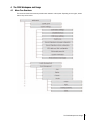
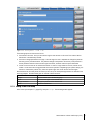
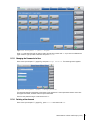
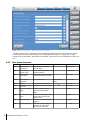
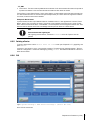
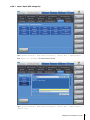
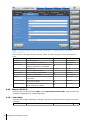
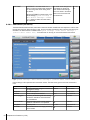
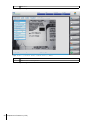
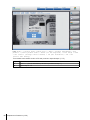
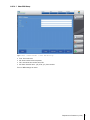
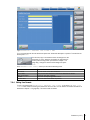
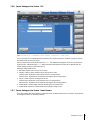
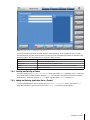
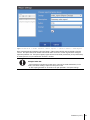
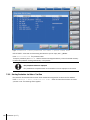
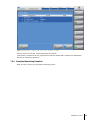
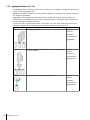
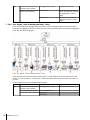
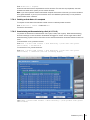
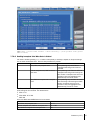
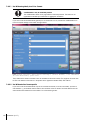
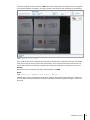
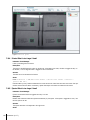
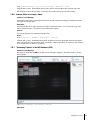
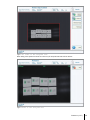
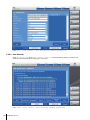
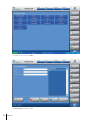
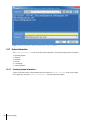
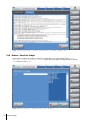
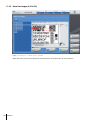
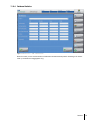
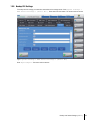
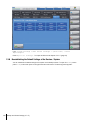
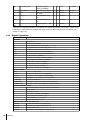
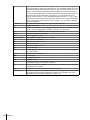
Figure: Production > Add/edit product > (select product) Details
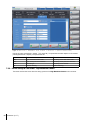
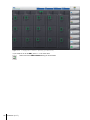
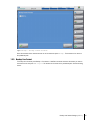
At this screen you see all application IDs that are defined at the product (if applicable).
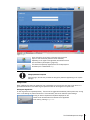
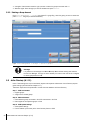
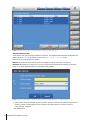
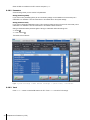
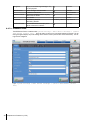
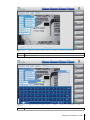
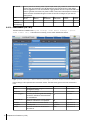
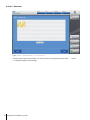
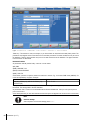
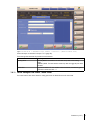
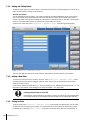
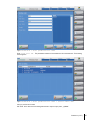
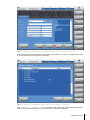
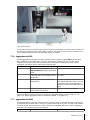
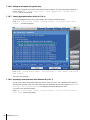
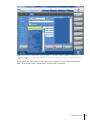
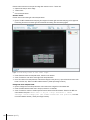
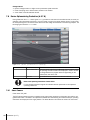
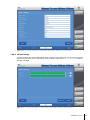
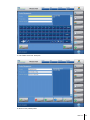
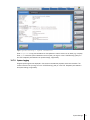
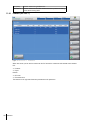
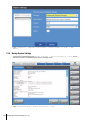
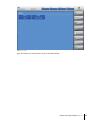
Press Add to define a new ID to the product. The following dialog appears:
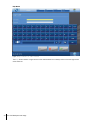
Figure: Figure: Production > Add/edit product > (select product) Details > Add
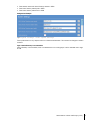
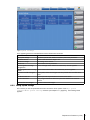
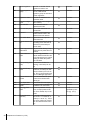
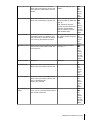
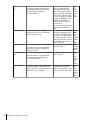
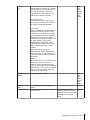
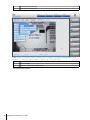
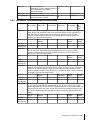
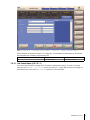
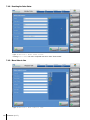
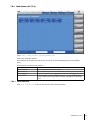
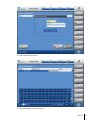
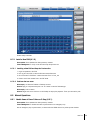
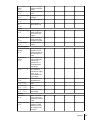
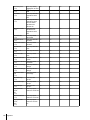
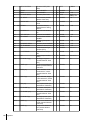
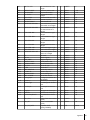
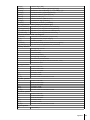
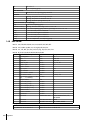
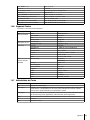
Now you can define a new product field. For the product field you can define the following values:
98
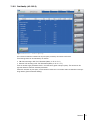
Production (A-3.7)