1
TECHNICAL MANUAL
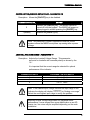
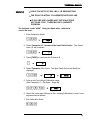
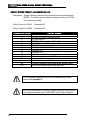
IMPORTANT NOTICE FOR HIGH CAPACITY SCALES & SCALES
UTILIZING A LARGE NUMBER OF LOADCELLS!
PLEASE VERIFY THAT THE CORRECT ANALOG INPUT RANGE
IS SET BEFORE PROCEEDING TO SPAN SCALE. (SEE
PARAMETER 11 - PAGE 47)
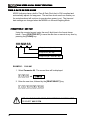
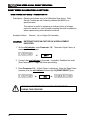
SET SPAN - PARAMETER 13
Description: Calibrates (Spans) the scale with a known Test Weight.
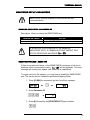
EXAMPLE: IN CALIBRATION MODE, SPAN A SCALE TO 5,000 LBS.
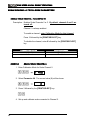
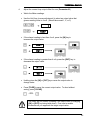
1.
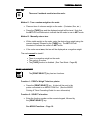
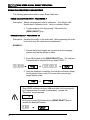
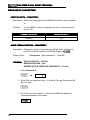
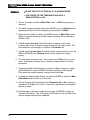
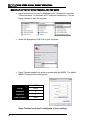
Verify that scale is reading zero with the Centre of Zero LED
illuminated.
C
0.0
2.
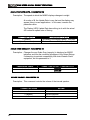
Place Test Weights on the scale (5,000 lbs).
3.
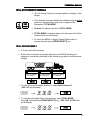
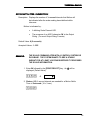
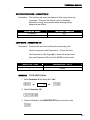
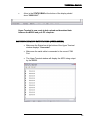
Enter 13 followed by the [PRINT/SELECT] key. Once
activated, the current displayed weight will be frozen on the
display.
13P
4.
C4276.5
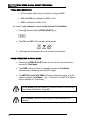
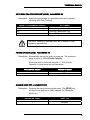
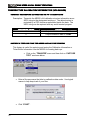
Enter the known test weight value followed by the
[PRINT/SELECT] key. The display will show the new, corrected
weight on the scale.
5000P
C5000.0
33