1
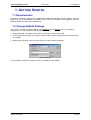
Telos Language Partner
TLP Viewer
User Manual
2. TELOS LANGAUGE PARTNER (TLP Viewer)
With the TLP Viewer you can run learning packages that have been created with TLP Pro, TLP Light,
or TLP Basic (for more information on TLP Pro, see chapter 3.)
2.1 GENERAL FUNCTIONS
2.1.1 Open a Learning Package
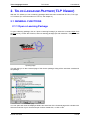
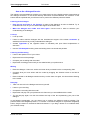
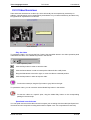
To open a learning package, click on ”Open a Learning Package” (or select the command Open from
the File menu), access the CD drive, select a learning package (file with extension *.DIA), and click
OK.
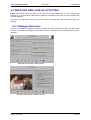
Opening Page
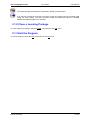
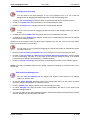
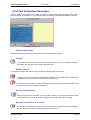
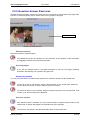
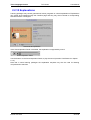
This will take you to the Contents page of the chosen package, listing all the exercises contained in
the package.
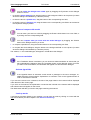
Contents page
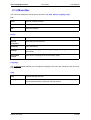
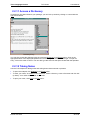
You can open and close the displayed folders and exercises of the Contents page with a double-click.
Select an exercise of your choice and open it with a double-click, or click on OK.
© LINK 1997-2004
3 of 26