1
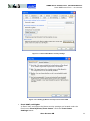
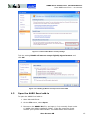
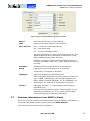
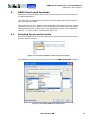
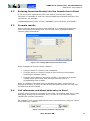
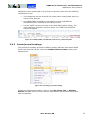
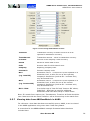
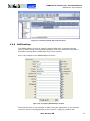
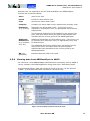
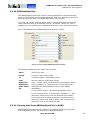
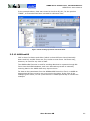
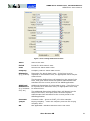
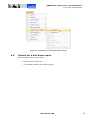
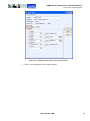
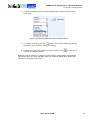
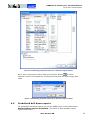
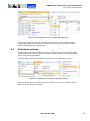
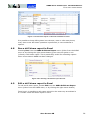
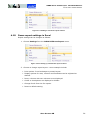
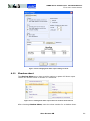
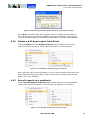
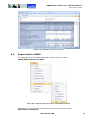
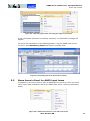
AARO EXCEL CONNECTIVITY 12.0 USER MANUAL EXCEL DRILL DOWN REPORTS Figure 4.9-1 Editing a drill down report in Excel 4.10 Down report settings in Excel Report settings can be changed as follows: 1. Choose Settings from the AARO Drilldown Report menu. Figure 4.10-1 Setting up a drill down report in Excel 2. Choose to change report layout – some example include: Print options: from landscape to portrait layout. Display options for rows, columns and fixed data can be adjusted as desired. Rows, columns with zero values are not displayed. Codes or descriptions are displayed or hidden. Change font & font size for reports. Reset to default setting. AARO SYSTEMS AB 59