1
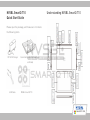
Volume up key: Increase the volume
Volume down key: Decrease the volume
Screen rotation switch: Move up the switch to turn
on the automatic screen rotation, move down to turn
off feature.
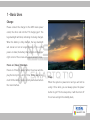
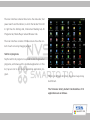
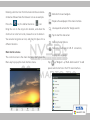
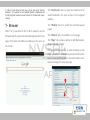
3 - Main Interface
1
2
3
Menu key: Bring up the menu function
Main interface key: Tap to return to the main screen. Hold
down to display the list of recently run applications. You can
switch the current application in the list
Return key: Get back to the previous screen;
1 - Status Bar
2 - Quick Power Switch
3 - Tab Bar
SmartQ T10