1
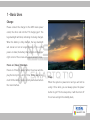
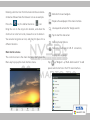
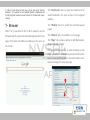
The main interface contains three items: the status bar, fast
power switch and the tab bar, in which the tab bar from left
to right has the Settings tab, Intellectual Reading tab, All
Programs tab, Media Player tab and Browser tab.
The main interface consists of three screens. View the content of each screen by dragging around.
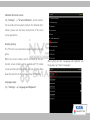
Tab for all programs:
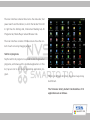
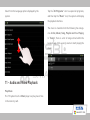
Tap the tab for all programs to expand the list of application
programs, and browse all the installed applications. In this
list, tap an icon to run the corresponding application program.
Holding in different directions, the screen layout may
be different.
The firmware factory default functionalities of th
applications are as follows:
SmartQ T10