1
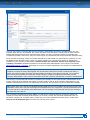
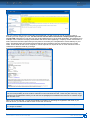
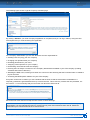
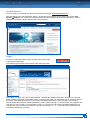
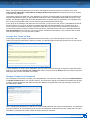
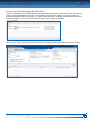
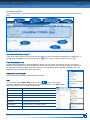
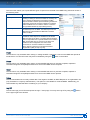
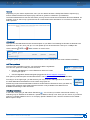
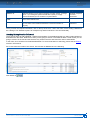
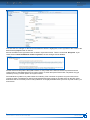
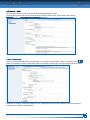
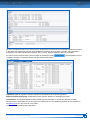
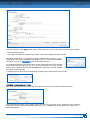
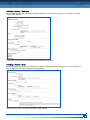
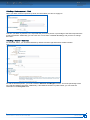
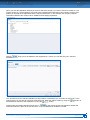
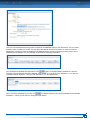
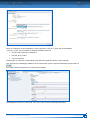
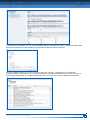
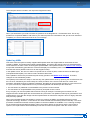
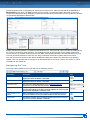
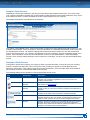
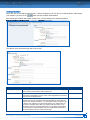
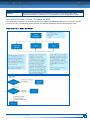
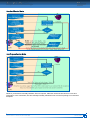
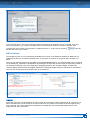
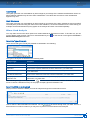
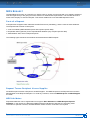
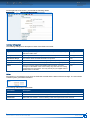
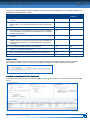
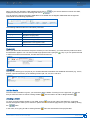
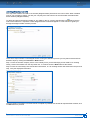
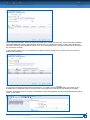
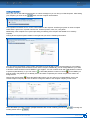
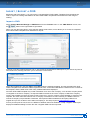
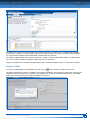
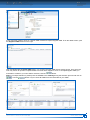
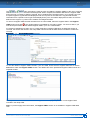
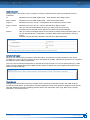
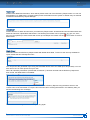
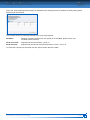
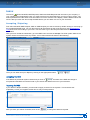
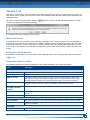
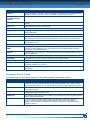
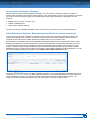
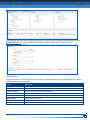
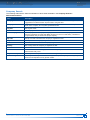
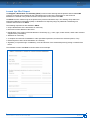
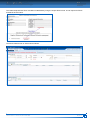
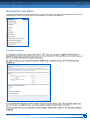
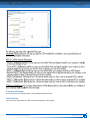
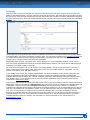
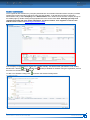
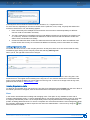
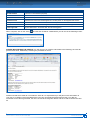
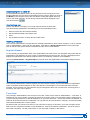
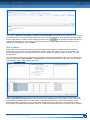
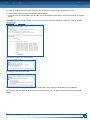
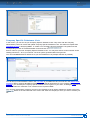
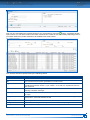
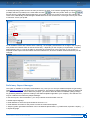
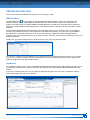
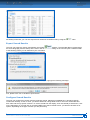
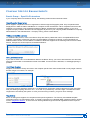
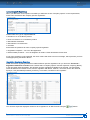
The only difference is the Weight area. With a Semicomponent, you have two choices for entering the weight: Enter the weight directly Use CDX to calculate the weight (only possible, if the specific weight has been entered) As with the Component, you can enter the weight and select the units (mg, g, kg, t). Regardless of the display, all weights are stored in grams. To use CDX to calculate the weight, click on the and a small window will open: As the Referenced Semicomponent had its specific weight defined in terms of length, you need to enter how many mm, cm, m, in or ft you are using. In this case, we are going to enter .00025 m and then the Calculate and at that point, CDX will calculate the weight of this child node. In looking at the top of the tree, the weight has increased, but is still less than the top node: Attaching a Semicomponent – Node When you add a Semicomponent by node, the right hand of the screen requires limited information: Since this Semicomponent is only going to exist in this tree, all you have to do is to change the name, enter the weight and select the appropriate measurement (mg, g, kg, t). Additionally you may add one or more Item or Material Number(s). CDX USER MANUAL – VERSION 4.4 / NOVEMBER 2015 CREATE AN MDS 37