1
3.3.2
MOVING TOOL WINDOWS
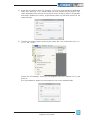
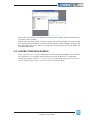
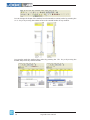
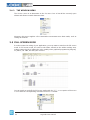
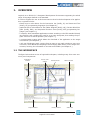
In order to move a tool window, click on its name (at the top of the window) and then drag
and drop it to the destination.
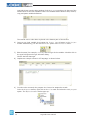
<RXFDQPDNHWKHWRROZLQGRZÀRDWE\GRXEOHFOLFNLQJRQLWVQDPHRUE\SUHVVLQJWKH
CTRL key, or by moving the tool window away from the main window borders.
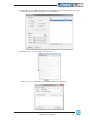
A tool window can be resized by clicking-and-dragging on its border until the desired size
is reached.
18
LogicLab user manual