1
3. CHANNEL LAYERS
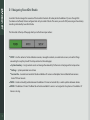
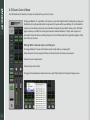
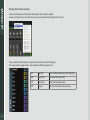
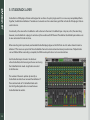
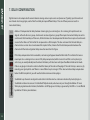
Like most digital mixers, eMotion is built in logical layers. This allows for a large number of mixer channels without forcing the user
to scroll back and forth. The eMotion ST mixer has two channel layers:
■
■
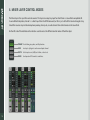
A MIXER layer that includes multi-purpose input channels and auxiliaries.
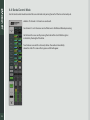
A STUDIORACK layer with up to four pages of 16 channels each. Input comes directly from the StudioRack plugins.
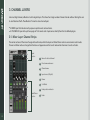
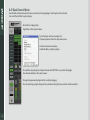
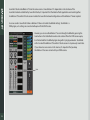
3.1. Mixer Layer Channel Strips
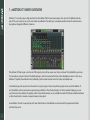
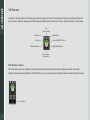
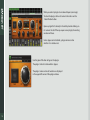
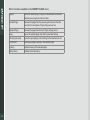
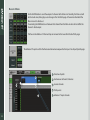
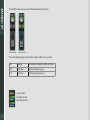
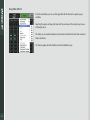
The center sections of the mixer change with each mode, while the Input and Fader/Panner sections are common to all modes.
Panner and Fader sections change their function and appearance in the Sends mode when the mixer is Sends on Faders.
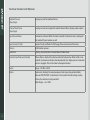
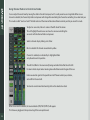
Input
Section
Name of selected channel
Preset name and menu
Channel name
Input source (L/R split)
Panner
Solo/Mute
Fader position indicator
Fader/Paner
Section
8
Fader