1
•
•
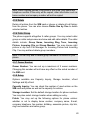
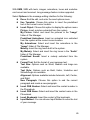
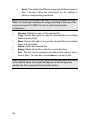
Send SMS: Send SMS to the selected phone number.
Send MMS: Send MMS to the selected phone number.
4.5.2 Dialed calls
List the recently dialed calls.
Rejected number list options are the same as those for missed calls.
4.5.3 Received Calls
List the most recent received calls.
Rejected number list options are the same as those for missed calls.
4.5.4 Delete Call Log
When your Call History is not empty, choose this option to delete all
call history, missed calls, received halls, dialed calls and rejected calls.
4.5.5 Call Time
You can view the total call time of the phone. There might be some
discrepancies between this figure and the actual call duration figure
that is provided by your service operator.
Last Call Time: Display the duration of your last call.
Total Dialed: Display the total duration of your dialed calls.
Total Received: Display the total duration of your received calls.
Reset All Time: Reset all calling duration.
4.5.6 SMS Counter
Check the total number of SMS messages sent and received.
4.5.7 GPRS Counter
This menu shows information about the traffic transmitted over the
GPRS network, including Last Sent, Last Received, All Sent and All
Received (in KB). You can also choose Reset Counter to reset these
counters. The information is only for reference and the actual GPRS
data traffic calculated by the operator shall be taken as final.
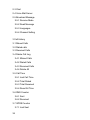
4.6 Settings
62

































![hank yo_fo buyil_gaSamsung (}a_Te_a ]hs](http://vs1.manualzilla.com/store/data/005691502_1-2e8e29ffb67d0c8f7d0d701e3cb644b7-150x150.png)