1
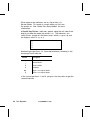
To run the On-Demand test:
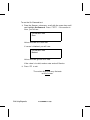
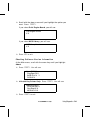
1. From the Sensors sub-menu, scroll with the arrow keys until
you highlight On-Demand. Press e. If the sensor is
clear, you will see:
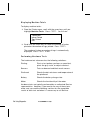
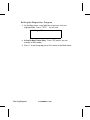
On Demand = ###
Clear
Values must be less than 288.
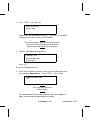
If sensor is blocked, you will see:
On Demand = ###
Blocked
Values must be greater than 480.
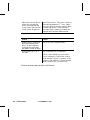
If the value is invalid, make a note and call Service.
2. Press b to exit.
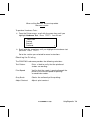
The values displayed may fluctuate
on the screen.
7-14 Using Diagnostics
TC6035EZEM Rev. C 10/98