1
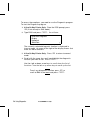
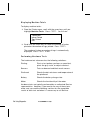
2. Press e. You will see:
Dot# XX GOOD
Value = ###
Valid values are 244-308 (inclusive). If the value is not within
range, please make a note and call Service.
The test continues (with results displayed on
the screen) until each dot resistance has
been tested and the results displayed.
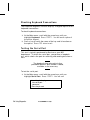
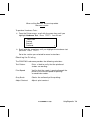
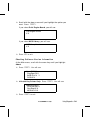
3. The test concludes by displaying:
Avg dot = XXX
Enter for dot value
Esc to leave.
Press b.
To run the Temperature test:
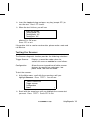
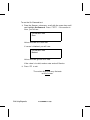
1. From the Printhead sub-menu, scroll with the arrow keys until
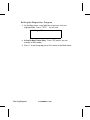
you highlight Temperature. Press e. You will see:
Printhead Temp = ###
OK
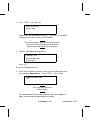
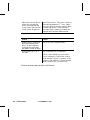
The value may fluctuate
on the screen.
The temperature of the printer depends upon the number of
labels printed and the operating environment.
TC6035EZEM Rev. C 10/98
Using Diagnostics 7-17