1
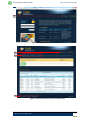
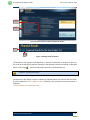
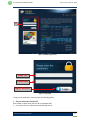
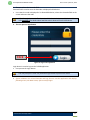
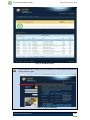
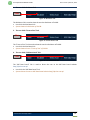
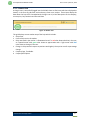
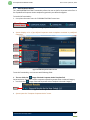
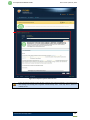
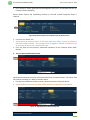
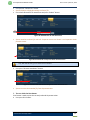
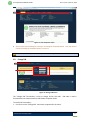
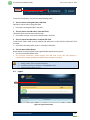
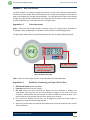
User Operational Manual PUCAR Ver 1.2 Final | Nov 19, 2013 User places mouse pointer over here Corporate Action’s Category Corporate Action’s Templates Figure 27: Corporate Action Templates and Categories To use this functionality, user interacts with following fields: 1. The user clicks the “ ” image of desired Corporate Action Template link This option is used to filter and list all corporate actions related to the said template. User clicks the link “ ” which appears against desired Corporate Action template (see below image). Click Figure 28: View Corporate Action Link System displays a list of the user entered Corporate Actions for selected Corporate Action Template. Please refer “Corporate Action List for All Corporate Actions” section for further details. Karachi Stock Exchange Limited 21