1
R&S®UPP
Instrument Function
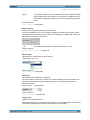
Load
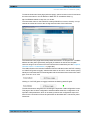
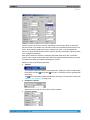
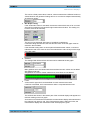
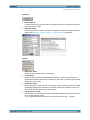
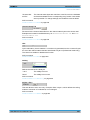
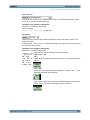
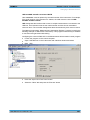
If the file contains both reference traces and limit traces File Intern is displayed in the
corresponding parameter fields. "File Intern" means that there is no individual value (for
example in the case of a "Reference", this would be "Limit Upper" or "Limit Lower" with
the setting Value) but instead a trace, and that this trace has been taken from a file loaded
at Y-Source = File: Trace A or File: Trace B.
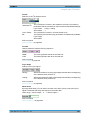
Furthermore all Auto and Tracking tick boxes such as Label Auto, Unit Func Track, Unit
Auto etc. are deactivated and grayed out so that they cannot be used. All parameter fields
that allow Auto settings, such as "X-Source " or "Scaling ", are set to "Manual", since they
are preset by the file content.
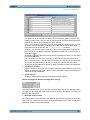
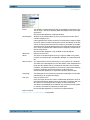
If Hold is selected in the parameter fields "Reference ", "Limit Upper " and/or "Limit Lower
", the current settings remain the unchanged and are not altered by loading a trace
file.
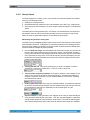
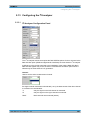
Switching the Y-Source:
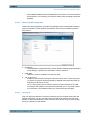
The display and deletion of traces largely depends on switching the "Y-Source", that is,
the source of the traces.
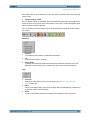
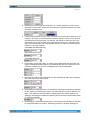
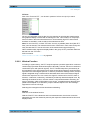
The "Y-Source" parameter field offers two sources for the recording and display of traces:
●
Traces from measurements are all settings other than "File: Trace A " or "File:
Trace B ", e.g. FunctCh1, Level Ch1, Phase Ch1 etc.
●
Traces can be loaded from file by means of File: Trace A or File: Trace B.
●
Off deletes the trace.
Deleting traces:
Traces are generally always deleted either by using the START key or by switching the
"Y-Source " to Off.
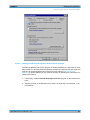
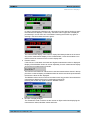
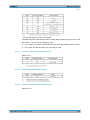
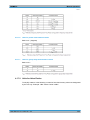
When the "Y-Source " is switched between measurement (e.g. "Funct Ch1") and file (e.g.
File: Trace A), a trace is always deleted when the basic unit changes.
5.48.1.1
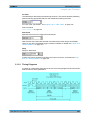
Switching measurements in multiscan mode:
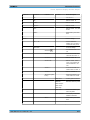
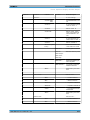
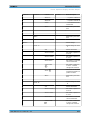
The reaction of the R&S UPP depends largely on whether or not the basic unit changes.
User Manual 1411.1055.32 ─ 03
554