1
DATA CENTER
4.
5.
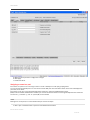
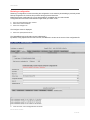
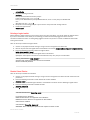
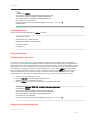
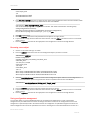
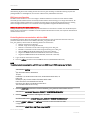
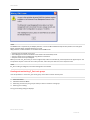
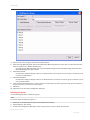
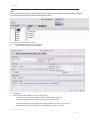
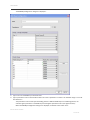
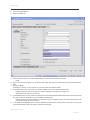
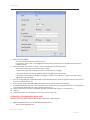
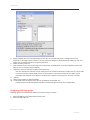
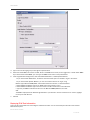
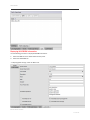
Edit the name of the port group in the Port Group Name field.
Select the Login Balancing check box and the Fabric Name Monitoring check box if you want to enable these features.
Clear the check boxes to disable these features.
On selecting Login Balancing check box, F Port Auto Rebalancing and N-Port Auto Rebalancing check boxes and
Manual Balancing button gets enabled.
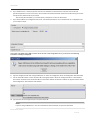
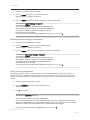
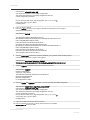
6. Click Failover Enable.
A confirmation dialog box displays. Click Yes to enable failover to all the ports in the port group or click No if you do
not want to enable failover.
7. Click Failover Disable.
A confirmation dialog box displays. Click Yes to disable failover to all the ports in the port group or click No if you do
want to disable failover.
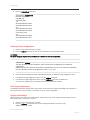
8. Under the Select Members(N-Port)* section, select the required ports you want to group and clear the check boxes for
the ports you want to remove from the port group.
9. Click Save.
10. Click Close on the Port Group Configuration dialog box.
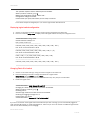
Deleting port groups
Use the following procedure to delete port groups.
NOTE
You cannot delete the default port group 0.
1.
2.
3.
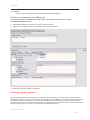
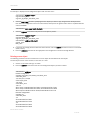
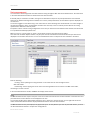
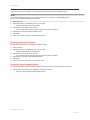
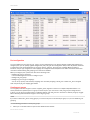
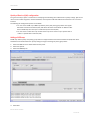
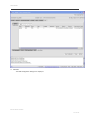
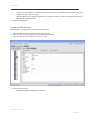
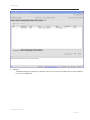
Click a port in the Switch View to open the Port Administration window.
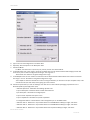
Click Configure N_Port Groups.
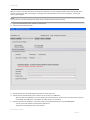
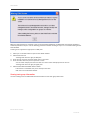
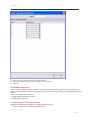
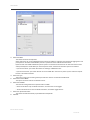
On Port Group Configuration dialog box, select the group that you want to delete and then click
Brocade Switch Cookbook
137 of 197