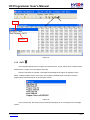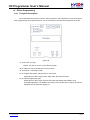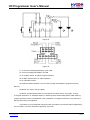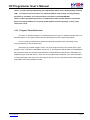
1
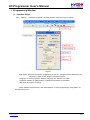
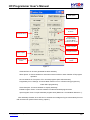
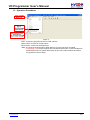
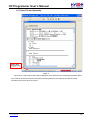
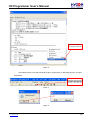
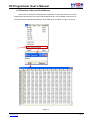
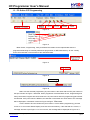
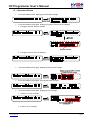
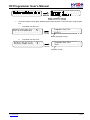
HY-Programmer User’s Manual 1. Programming Window 1.1 Interface Setup Click “Options”, a window will appear. Click the interface setup, as shown in Figure 1. . Figure 1 Chip Select Choose the specific programming IC part no. If programmed IC differs from the selected IC, Blank Check, Program and Verify will fail. Language Choose operation interface language, like Chinese or English. Hardware Interface USB interface or Parallel Port interface is selectable. IDE Mode Program choosing. When interface setup finished, click “Build Options” to select programming configuration. As described in Figure 2. © 2008-2012 HYCON Technology Corp www.hycontek.com APD-HYIDE004-V05_EN page 3