1
USER’S MANUAL
for Android™
MS05-02/B
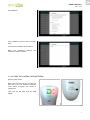
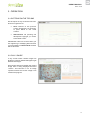
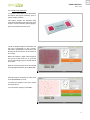
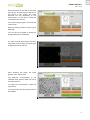
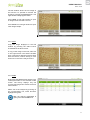
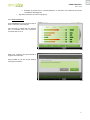
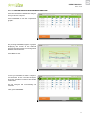
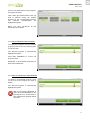
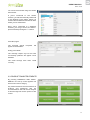
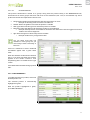
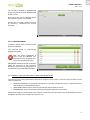
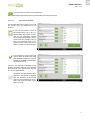
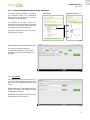
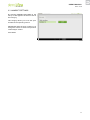
By pressing the button of any of the
measurements, the image corresponding
to the camera is displayed in the left of the
screen.
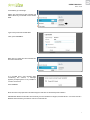
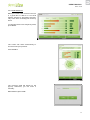
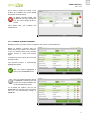
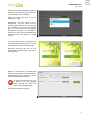
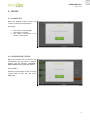
With the camera placed on the skin, press
ANALYSE.
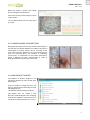
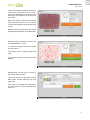
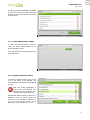
You can also press PAUSE to freeze the
image and then press ANALYSE.
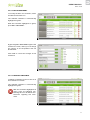
40
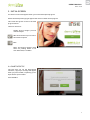
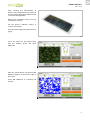
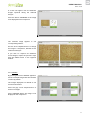
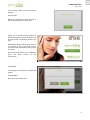
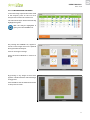
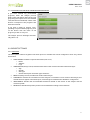
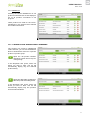
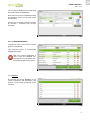
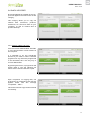
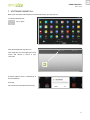
For a few seconds the program automatically performs the analysis, processing the
image taken with the camera.
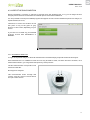
41
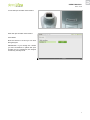
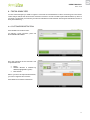
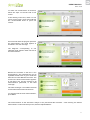
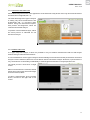
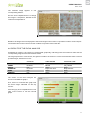
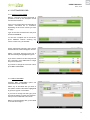
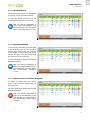
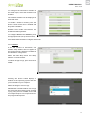
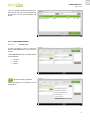
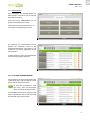
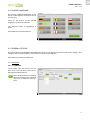
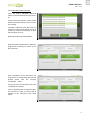
After analyzing the image, the result
appears in the field next to the selected
measurement.
To repeat the measurement, repeat the
steps above.
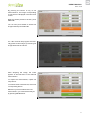
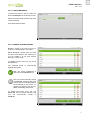
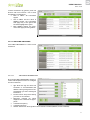
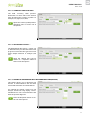
To make another measurement, select the
corresponding button.
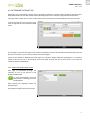
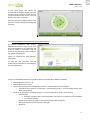
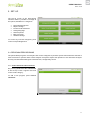
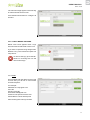
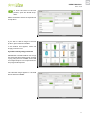
Whenever you have made at least one
measurement, you can finish the analysis
by pressing SEE RESULTS.
42
21