1
USER’S MANUAL
for Android™
MS05-02/B
7. SOFTWARE UNINSTALL
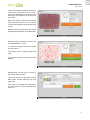
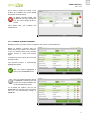
Before you uninstall the dermoprime software make a back-up copy (see 5.6)
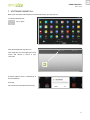
To uninstall dermoprime:
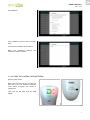
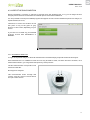
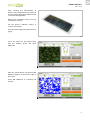
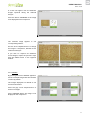
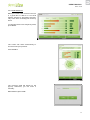
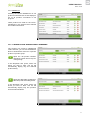
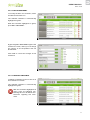
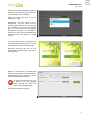
Go to “Apps”
149
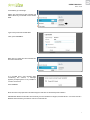
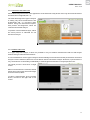
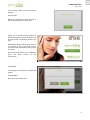
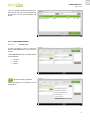
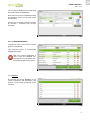
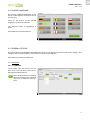
Press and hold the dermoprime icon
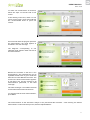
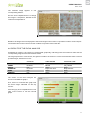
Then, drag the icon to the upper part of the
screen and release it where it says
“Uninstall”
150
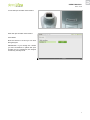
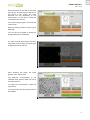
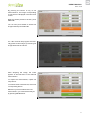
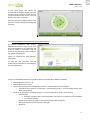
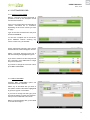
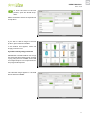
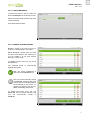
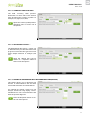
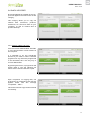
A window appears with a confirmation of
the uninstallation.
Press OK.
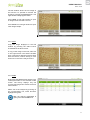
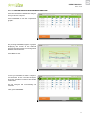
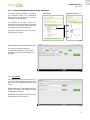
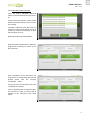
The software is uninstalled automatically.
151
62