1
1.
2.
3.
4.
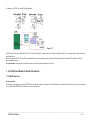
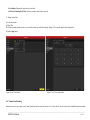
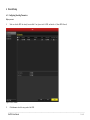
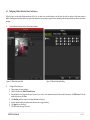
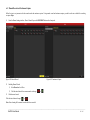
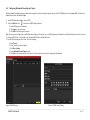
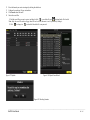
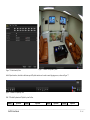
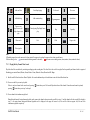
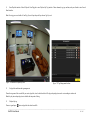
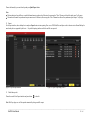
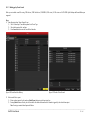
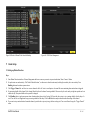
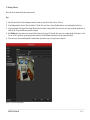
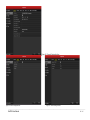
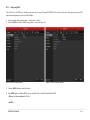
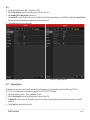
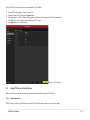
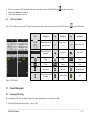
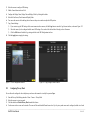
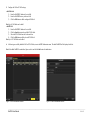
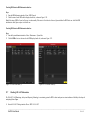
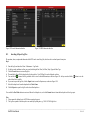
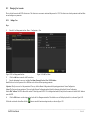
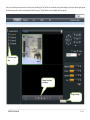
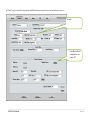
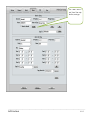
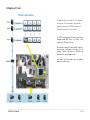
Enter the PTZ Control interface. Menu->Camera->PTZ->More Settings.
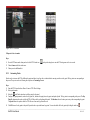
Use the directional button to wheel the camera to the location where you want to set preset.
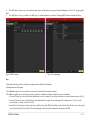
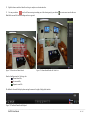
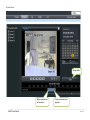
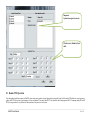
Click the round icon before Save Preset.
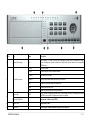
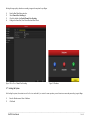
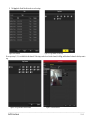
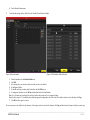
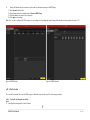
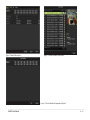
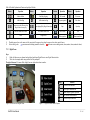
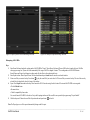
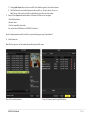
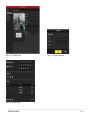
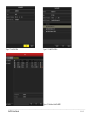
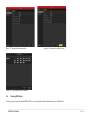
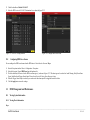
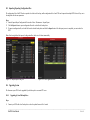
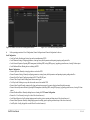
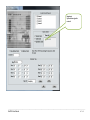
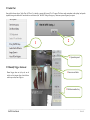
Click the preset number to save the preset. Repeat the steps2-4 to save more presets. If the number of the presets you want to save is more than 17, you can click […] and
choose the available numbers.
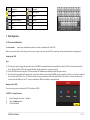
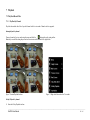
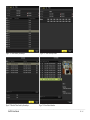
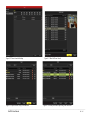
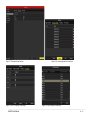
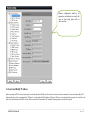
Figure 11.2 PTZ- More Settings
11.2.2
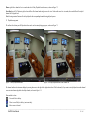
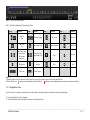
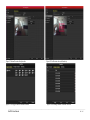
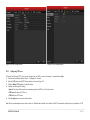
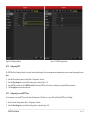
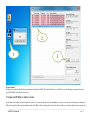
Figure 4.3 More Presets
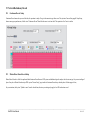
Calling Presets
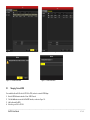
This feature enables the camera to point to a specified position such as a window when an event takes place.
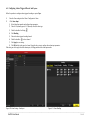
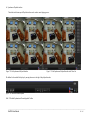
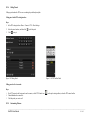
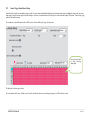
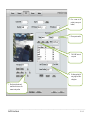
Call preset in the PTZ setting interface:
Steps:
1.
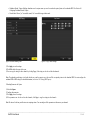
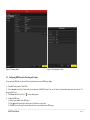
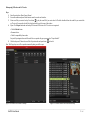
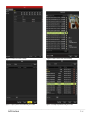
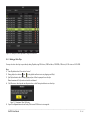
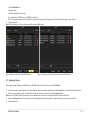
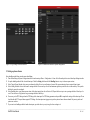
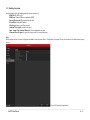
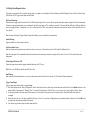
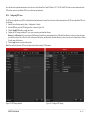
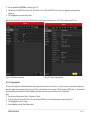
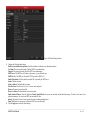
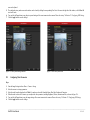
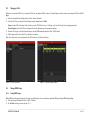
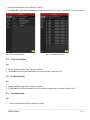
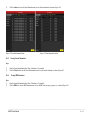
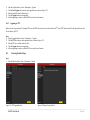
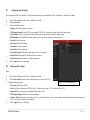
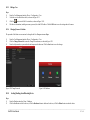
Enter the PTZ Control interface. Menu>Camera>PTZ>More Settings
2.
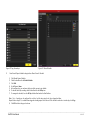
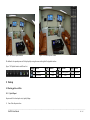
Check the round icon before Call Preset.
3.
Choose the preset number.
________________________________________________________________________________________________________________________________________________________________
NetDVR User Manual
108 / 165