1
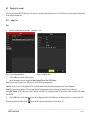
customer’s concern but also the installer’s interest. ILDVR IP-CCTV solution offers multiple software kits to help our customers to build their data backup system. Here takes
the HVR system for example.
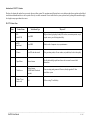
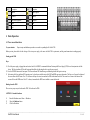
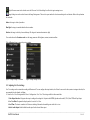
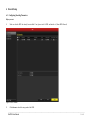
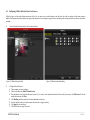
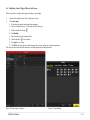
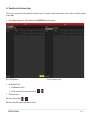
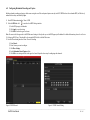
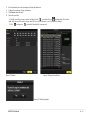
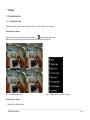
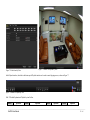
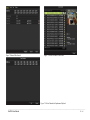
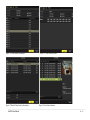
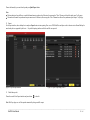
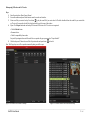
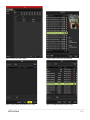
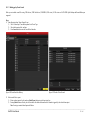
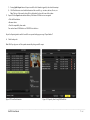
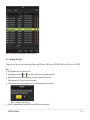
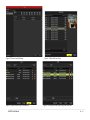
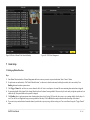
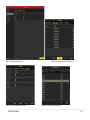
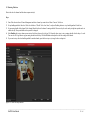
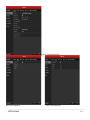
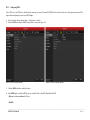
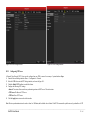
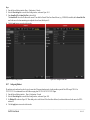
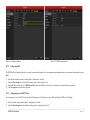
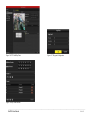
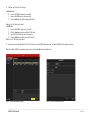
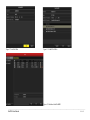
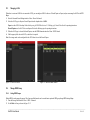
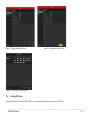
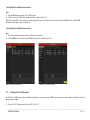
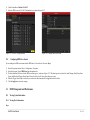
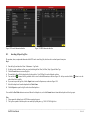
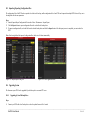
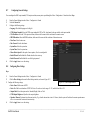
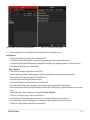
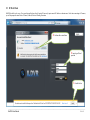
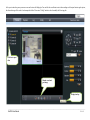
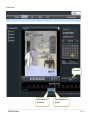
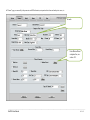
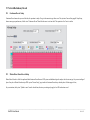
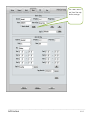
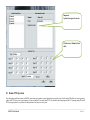
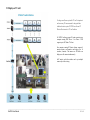
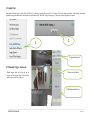
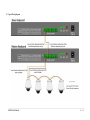
In the main interface of HVR Server, click Tools icon to expand the Tool Panel, click Add/del IP camera button to bring up “IP Camera Device List” interface. In Live Center
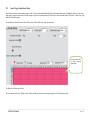
the operation is similar but the first step is to enter Local Setup interface.
3
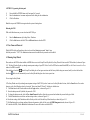
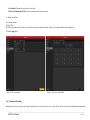
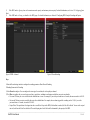
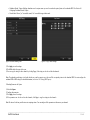
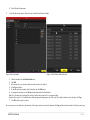
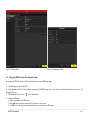
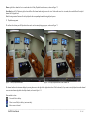
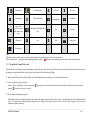
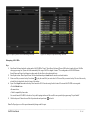
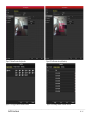
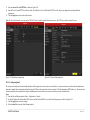
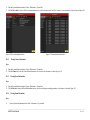
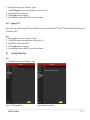
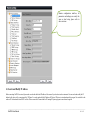
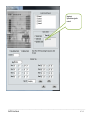
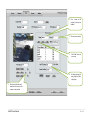
Select INC-MP&D1 series for Device Type.
1
2
For your attention:
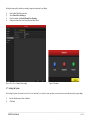
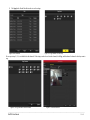
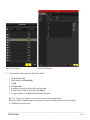
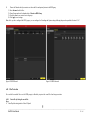
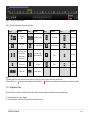
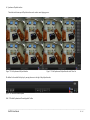
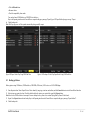
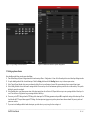
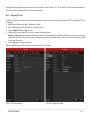
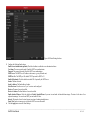
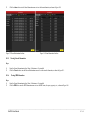
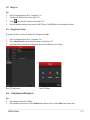
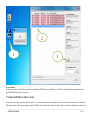
All NetDVRs (IP device) must be registered in the software then it could be recorded. If you couldn’t record video, please update the license file IPEncypt.dat for HVR Server
and Live Center software. You can find the update license file in software CD or download from ILDVR web site
18
Remote Management from HVR Server and Live Center
________________________________________________________________________________________________________________________________________________________________
NetDVR User Manual
143 / 165