1
Chapter 6 - Programming Commands
Chapter 6 - Programming Commands
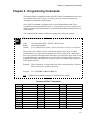
This chapter defines, in alphabetical order, all of IDC’s IDeal™ commands that can be used
in a program. Please refer to Chapter 4, Using the Keypad, for more information on
entering these commands with the keypad.
Some IDeal™ commands are supported only in serial communication mode. These
commands are listed and defined in Chapter 8, Programming with Serial Communication,
and they can also be found in the Summary of Commands immediately inside the back cover
of this manual.
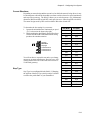
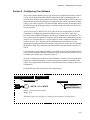
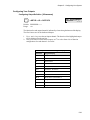
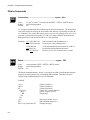
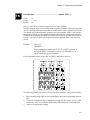
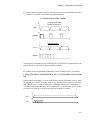
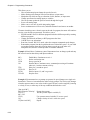
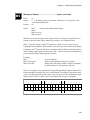
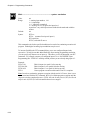
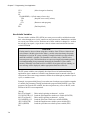
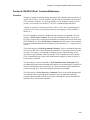
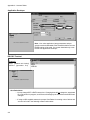
The commands in this chapter are defined according to the following example:
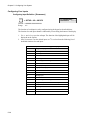
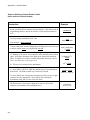
DI
Distance Incremental .......................................... syntax - DI±r,±r
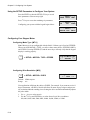
Units:
Range:
Default:
selected from the EDIT > SETUP > MECH menu
unit scaling dependent
If the command has a default, it will be listed here (n/a if there is no default)
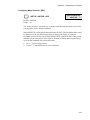
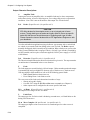
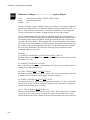
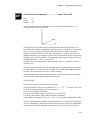
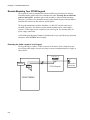
DI specifies a move distance relative to the current position. Such moves are called
incremental moves, as opposed to the absolute zero reference used in DA. Incremental
moves are typically used in applications where there is no concern for origin, such as feedto-length applications. Incremental moves are also often used inside a loop to shorten a
program. Incremental and absolute moves may be mixed - the control always keeps track
of the absolute position.
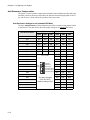
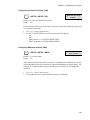
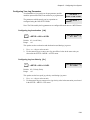
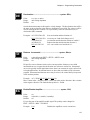
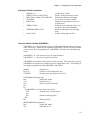
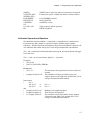
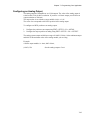
Example:
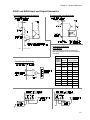
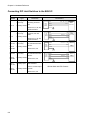
Move 2 units in the + (positive) direction. Move 1 more unit in the + direction.
Move 4 units in the - (negative) direction.
Program:
AC.1 VE60 DI2 GO DI1 GO DI-4 GO
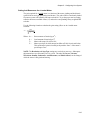
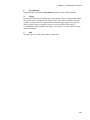
Note:
Additional programming examples are found in the next chapter.
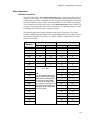
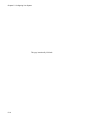
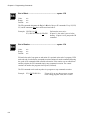
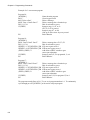
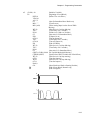
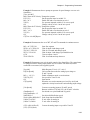
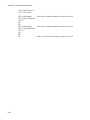
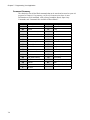
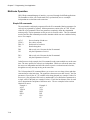
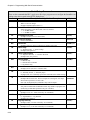
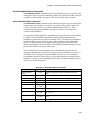
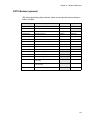
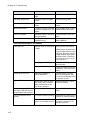
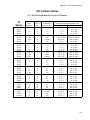
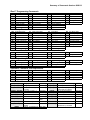
Summary of IDeal™ Commands
Command
AC
BR
DA
DC
DE
DI
EA
EB
EN
FK
GH
Description
Acceleration
Break
Distance Absolute
Distance to a Change
Deceleration
Distance Incremental
Enable Amplifier
End of Block
End of Routine
Function Key
Go Home
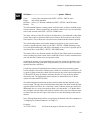
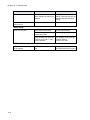
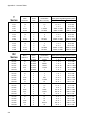
Command
GI
GO
GP
GS
GT
IF
IV
LP
LU
LW
MC
Description
Go Immediate
Go (Start a Move)
Go Point
Gosub
Go To
If Then
Input Variable
Loop
Loop Until
Loop While
Move Continuous
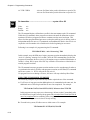
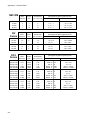
Command
MS
ON
OT
“__”
RG
SP
SQ
ST
TD
VE
WT
Description
Message to Display
On Command
Output
“Message to Serial Port”
Registration Move
Set Position
Square Root
Stop on Input
Time Delay
Velocity
Wait
6-1