1
My Menu
Purpose
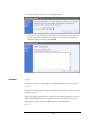
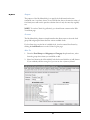
The purpose of the My Menu dialog is to specify the food items that the user
commonly eats. A user may choose to use all foods but, due to the massive variety of
food items, most will want to pare the selection down to only the ones they regularly
eat.
NOTE: To use the Calorie Log effectively, you should create a menu on the Edit
Your Menu page.
Features
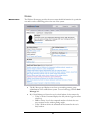
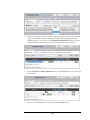
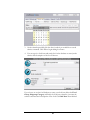
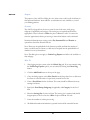
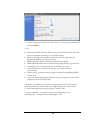
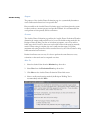
The My Menu dialog features a simple interface that allows users to select the food
group and subgroup and then select the various available foods.
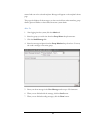
If a food item is not on the list of available foods, it can be entered for all users by
clicking the Add Food button on the Calorie Log the page.
How To
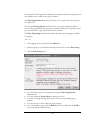
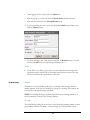
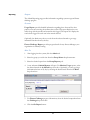
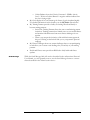
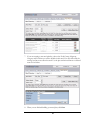
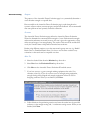
1. From the Food Group and Subgroup and Category drop down boxes, select
from the group whose items you would like to add.
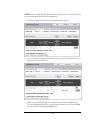
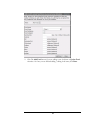
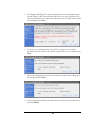
2. Select food items in the All Available Foods list box and click the > (add) button.
If you accidently add the wrong food, you can use the < (remove) button.
34