1
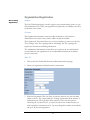
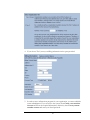
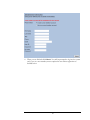
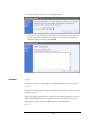
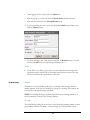
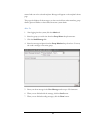
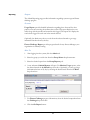
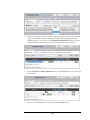
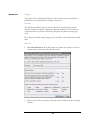
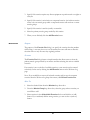
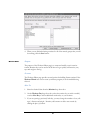
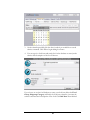
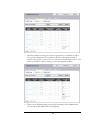
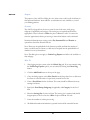
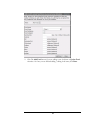
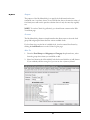
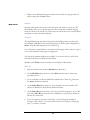
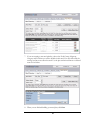
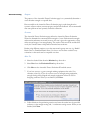
Invite New Clients To add a group logo, click Browse, select the image file, click OK and then click Upload. You may to show or hide group members and group overall statistics. You may set up a calendar of events and meeting times. You may add group new items as desired. Purpose The purpose of the User Invitation wizard is to add new clients to the group. Features With the Client Invitation wizard, an admin can create a link that they can use in their emails or newsletters which, when clicked, will allow others to join their group. An admin may also send email invitations directly to clients they would like to join the group from the wellness4one system. How To 1. After logging into the system, click the Admin tab. 2. Select the group you wish view from the Group Name drop down menu. 3. Click the Send New Member Invitations link. 4. Read the wizard introduction and click Next. 5. Choose the Generate a link option to obtain a link which you can place in your email correspondence or newsletters which will allow others to join when clicked. Otherwise, Choose the Email option to have the system send emails to the email addresses you specify. Click Next when ready. 13