1
■
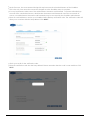
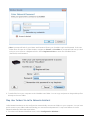
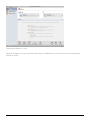
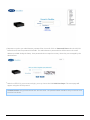
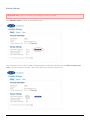
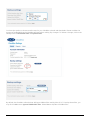
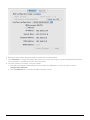
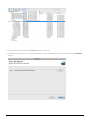
Mac: A prompt will ask for your Name and Password. Enter your CloudBox Login and Password. If the user
folder does not open in a Finder window, navigate to Shared > CloudBox. A prompt will ask how you wish
to log on, as a Guest or a Registered User. Select Registered User to enter the CloudBox Name
(Username) and Password.
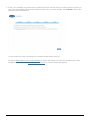
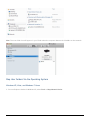
4. Transfer files from your computer to the CloudBox user folder. You can copy and paste or drag and drop files
directly to the user folder.
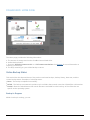
Map User Folders Via LaCie Network Assistant
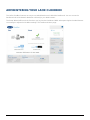
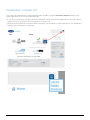
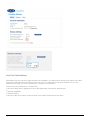
LaCie Network Assistant can be configured to automatically mount user folders on your computer. You can have
quick access to your folders without entering your username and password. To map user folders via LaCie
Network Assistant, follow the steps below:
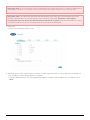
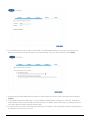
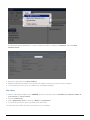
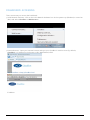
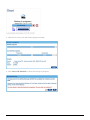
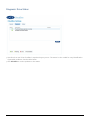
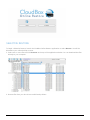
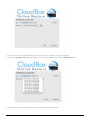
1. From the LaCie Network Assistant menu, select Configuration Window….
LaCie
25