1
4.3.3
Create Spare
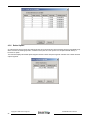
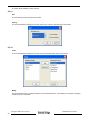
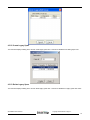
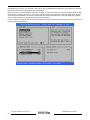
This command displays a dialog box to let user create Spare Drive, user needs to select the following parameters:
Spare Type:
Global
-- the spare drive is for all RAID groups in the system.
Dedicated
-- the spare drive is dedicated to the specified RAID group.
RAID Group:
Select the RAID group to which this spare drive is dedicated. This parameter is enabled only when
Dedicated spare type is selected.
Capacity:
Select from a list of spare drive size, current options are from 128 MB to 100 GB and MAX.
Device:
Select one device segment from the available device segment list
4.3.4
Delete Spare
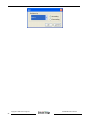
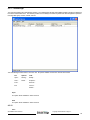
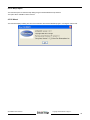
This command displays a dialog box to let user choose one or more Spare Drives to delete.
4.3.5
Delete Member
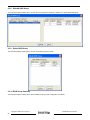
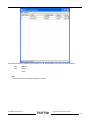
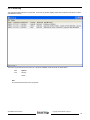
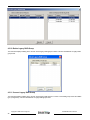
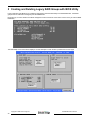
This command displays a dialog box to let user choose RAID groups’ members to delete. Since RAID 0 is not fault-tolerant,
RAID 0 members will not be shown in the list.
Note: delete RAID group member will reduce the RAID group to be a non-fault-tolerant RAID group.
SATARAID5 User’s Manual
Copyright © 2004 Silicon Image Inc.
21