1
Firmware Updater User’s Manual
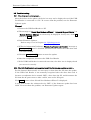
2.3.3. If memory cards are inserted during the update…
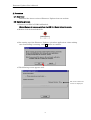
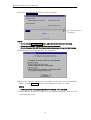
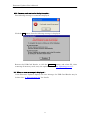
The following message is sometimes displayed.
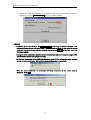
Click the OK button, then the following message is displayed.
Remove the USB Card Reader, or click the Shutdown button, and reboot PC. After
removing all memory cards, retry the update (Refer to “2.2. Updating process”).
2.4. When an error message is displayed…
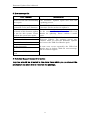
If the Firmware Updater displays an error message, the USB Card Reader may be
broken. See “3. Error message list” for details.
8