1
NLC‐100 User Manual 4
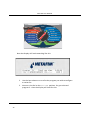
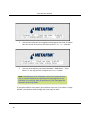
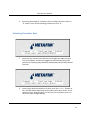
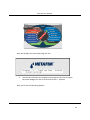
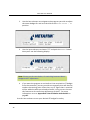
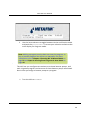
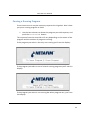
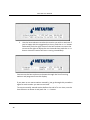
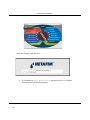
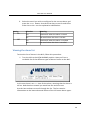
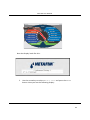
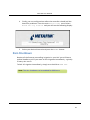
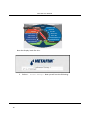
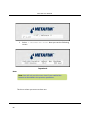
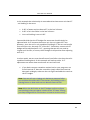
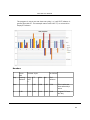
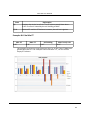
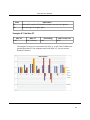
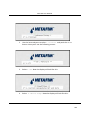
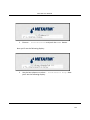
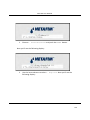
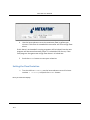
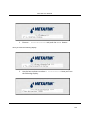
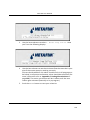
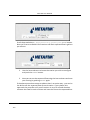
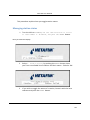
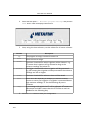
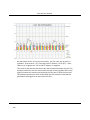
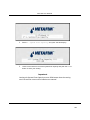
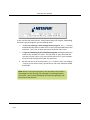
Select the first option: 1. Moisture program settings and push the
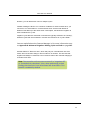
ENTER button. Now the display looks like this:
5
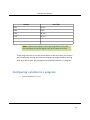
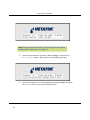
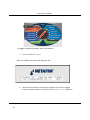
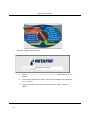
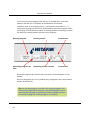
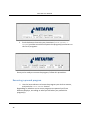
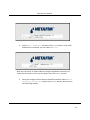
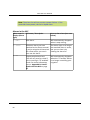
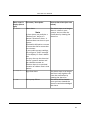
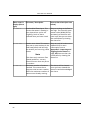
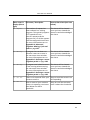
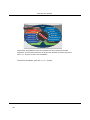
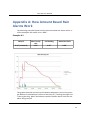
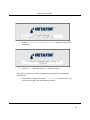
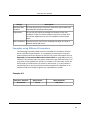
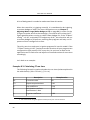
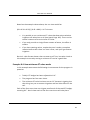
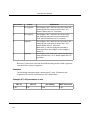
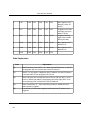
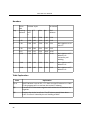
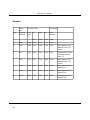
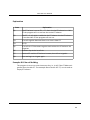
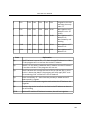
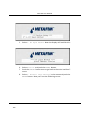
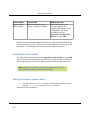
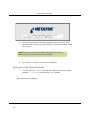
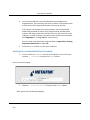
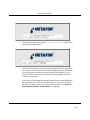
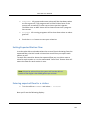
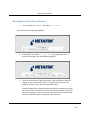
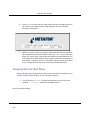
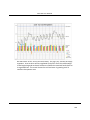
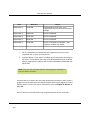
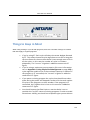
Now, using the item selectors, set the values for all seven columns:
Column
Pgm
The program to assign a moisture sensor to.
Sens
Which sensor to assign.
Allow
The lower threshold for when irrigation will be allowed ‐ e.g. 5% means that irrigation will be allowed as long as the moisture readings are below 5%.
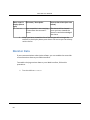
Prevent
Alarm
The higher threshold for when irrigation will be prevented ‐ e.g. 30% means that irrigation will be prevented if the moisture readings are 30% or higher.
The lower threshold for when an alarm will be raised.
Ctrl
Set to Yes or No depending on whether you want the moisture
sensors to control your Irrigation. If irrigation is prevented due to high moisture readings, ET for the following day will be
increased.
Reg
A percentage with which the ET will be adjusted. 0% means no adjustment and 100% means that the ET will be as much as doubled for the following day.
6
134
Description
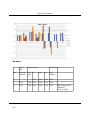
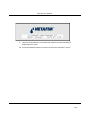
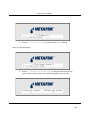
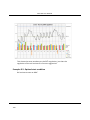
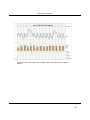
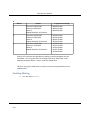
Push the ENTER button to save your configuration.