1
NLC‐100 User Manual 4
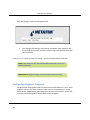
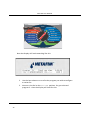
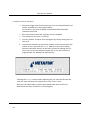
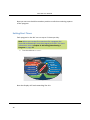
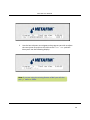
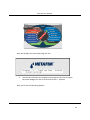
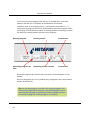
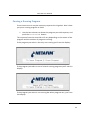
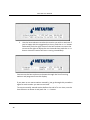
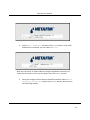
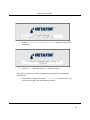
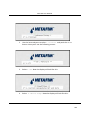
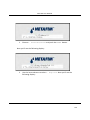
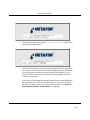
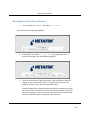
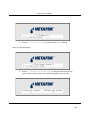
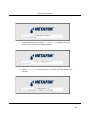
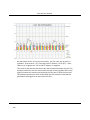
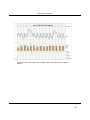
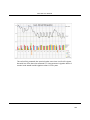
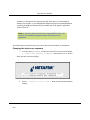
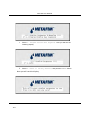
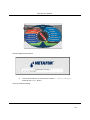
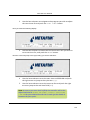
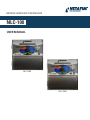
Assuming that today is a Sunday, the list of days will start with an "S" and a cursor will be blinking ontop of the first "S":
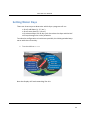
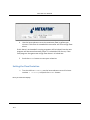
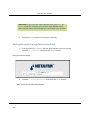
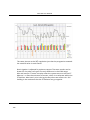
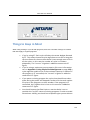
Selecting the water days
5
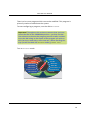
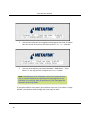
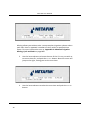
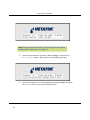
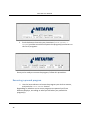
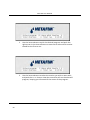
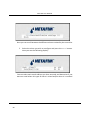
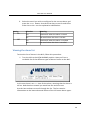
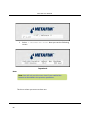
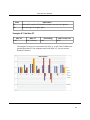
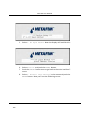
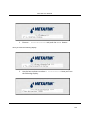
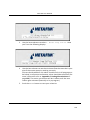
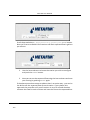
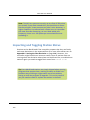
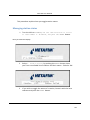
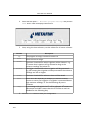
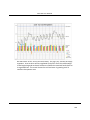
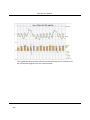
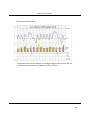
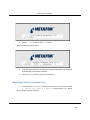
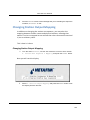
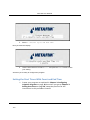
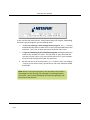
Now you can use the item selectors to navigate through the days. The up and down arrows will toggle the selected day to On/Off. Here's how selecting only Mondays, Wednesdays and Fridays would look like:
6
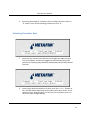
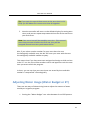
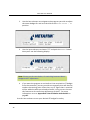
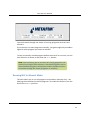
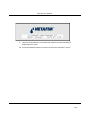
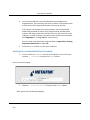
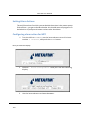
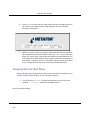
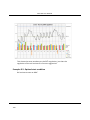
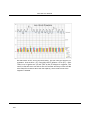
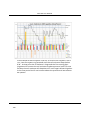
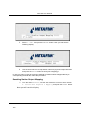
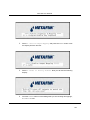
Once happy with the selection of days, push the CANCEL button or turn the dial away to go back to the main water days screen. If you choose to turn away the dial, you will see the controller return to the main water budget dialog.
27