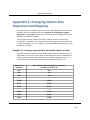
1
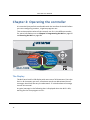
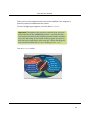
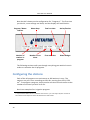
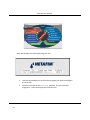
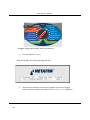
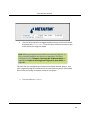
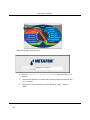
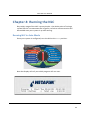
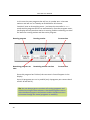
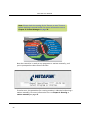
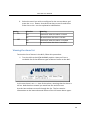
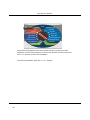
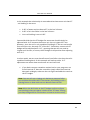
NLC‐100 User Manual There is also a test program which can not be modified. This program is primarily used to troubleshoot the system. To start configuring a program, turn the dial to PROGRAM.
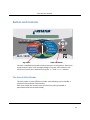
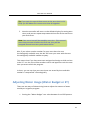
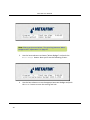
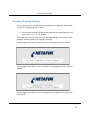
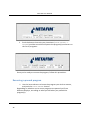
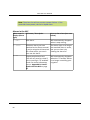
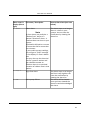
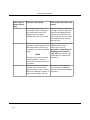
Important! Throughout this section we assume that you have turned the dial to the PROGRAM position ‐ you then use the item selectors to choose the program you wish to edit, and then move the dial along to the aspect of the program you wish to edit (run time, water days, start times etc.). When working this way you will see both the PROGRAM and e.g. WATER DAYS
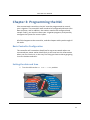
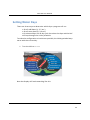
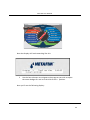
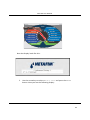
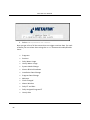
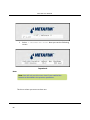
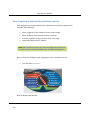
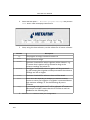
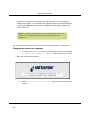
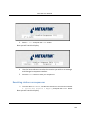
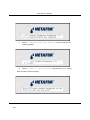
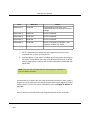
Turn to PROGRAM mode.
PAUSE/
RESUME
STOP
MANUAL
OFF
RAIN OFF
RAIN ALARM STATUS
VIEW ALARMS
VIEW ET & RAIN
VIEW MOISTURE SENSOR
SETUP SENSORS
AUTO
SET DATE & TIME
PROGRAM
RUN TIME
WATER DAYS
START TIME
WATER BUDGET / ET
PROGRAM STATUS
ADVANCED
SOLENOID AMPS
19