1
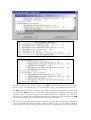
All the information necessary to define and execute a stochastic analysis is collected in
a file called Project File. This is a small file in ASCII format that contains, among others:
• the name of the Project (unique for the system)
• the number of samples
• additional information for the solver execution
The Project File can be visualized with any text editor, but it is highly recommended not
to change it.
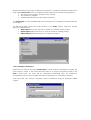
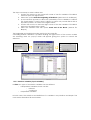
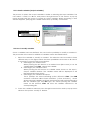
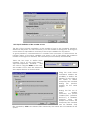
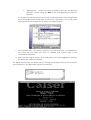
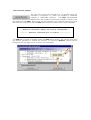
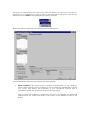
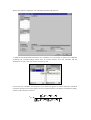
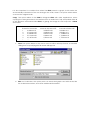
The following figure shows the main window of the STAC system. There are several
options to choose from:
• New Project (Nuevo Proyecto) to create or to define a new project
• Open Project (Abrir Proyecto) to open a recent or existing project.
• Delete Project (Eliminar Proyecto) to delete a project
1.3.2 Creating a new Project
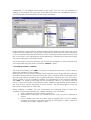
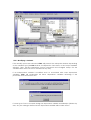
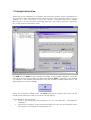
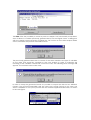
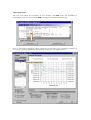
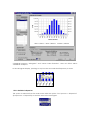
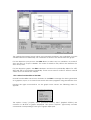
When the user selects the option New Project, a new window is displayed to query the
new project’s name. If the name already exists as a project previously stored in the
STAC’s data base, an error will be generated indicating such an incidence;
nevertheless, the user can change the name of his project or cancel the creation.
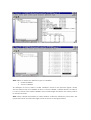
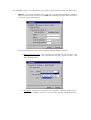
From this point, the system’s operation will be described using an example called
“Viga1”.