1
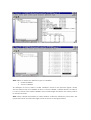
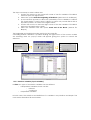
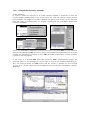
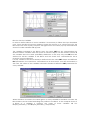
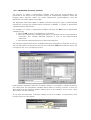
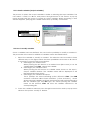
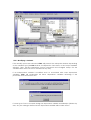
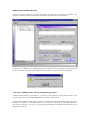
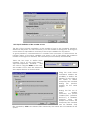
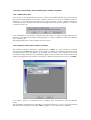
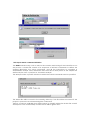
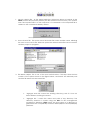
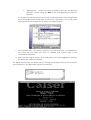
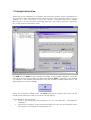
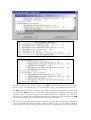
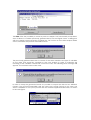
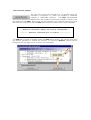
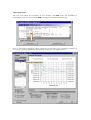
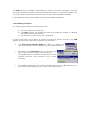
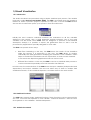
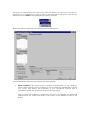
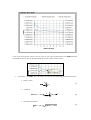
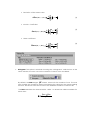
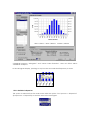
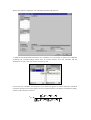
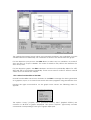
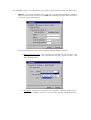
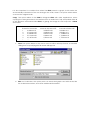
1.3.3.1.2 Dependent Stochastic Variables The process to define a dependent variable starts with the field selection. This procedure is the same as the procedure shown for independent variables. When the floating menu appears, select the option Dependent (“Dependiente”) and the Expression Calculator will be accessible The Expression Calculator allows to define a function using any type of mathematical expressions involving the Independent Stochastic Variables to create a dependent variable ruled by this function. For example, to create a dependent variable ruled by the SIN of the independent variable Young, Press the SIN button in the Expression Calculator Select an independent variable from the list of variables shown in the Expression Calculator. The variable selected appears as part of the mathematical expression. Press the left parenthesis button to finish the expression. The expression generated can be evaluated any time pressing the “Evaluate” button. If the user introduces an expression and it is not evaluated, STAC will evaluate it when the user presses the “OK” (“Aceptar”) button. Evaluating the expression with the “Evaluate” button, it is possible to obtain an idea of the values that the dependent variable will be able to assume, however it does not guarantee that the function defined always gives a real number, and in some cases the number can be indefinite. As an aid, the Expression Calculator always shows the number of parentheses that remain open (see next figure).