1
The User’s Manual for GEA-8120A
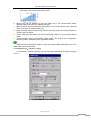
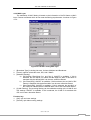
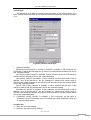
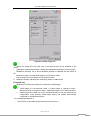
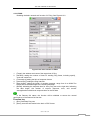
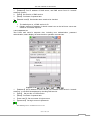
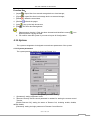
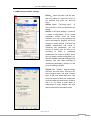
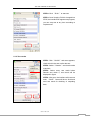
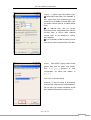
STEP7: Click “Insert” paging to insert error
setup.
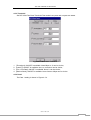
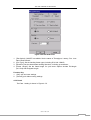
① Insert types have FCS error, IP head
check, Pause frame, error. We would use
FSC error.
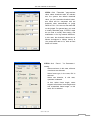
Need to notice that as if select PAUSE
frame, once press one “insert” it send
single PAUSE frame, but PAUSE frame
not allowed insertion when in mode of
semi duplex.
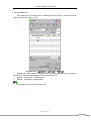
② Insertion have manual burst and insert
by portion two modes. Here we use
manual burst send 10 every time.
Click “OK” after setup to save up the data.
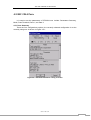
5.2.3 Traffic Rx Parameter Configuration
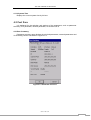
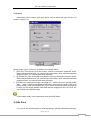
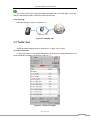
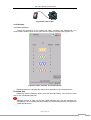
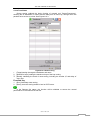
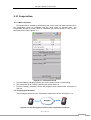
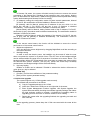
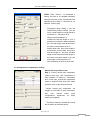
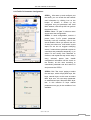
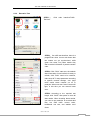
STEP1: Click icon on the top left access to
shortcut menu.
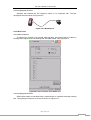
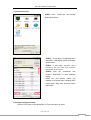
STEP2: Select“RX para” on the shortcut
menu access send test configuration.
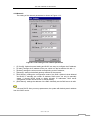
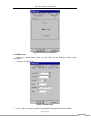
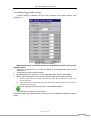
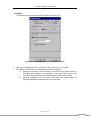
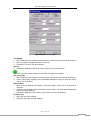
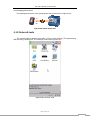
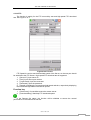
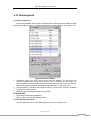
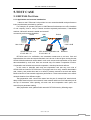
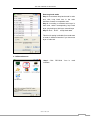
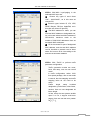
STEP3:。In send configuration, reserve 4
preset items, P1-P4 preset parameter
basically cover all commonly used in the
actual situation. When you want to use one
of them just select one, it will switch to test
steps, but we do not suggest modifying
saves, if network have particular request to
customize test parameter temporally, try to
select P4 and modify from afterward to
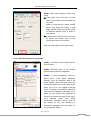
forefront, and repeat the step as the step 4
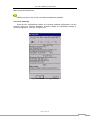
every selected preset item details
configuration information will be check on
the window, as this case according to
customized parameter test and select P4
and process the STEP4.
www.lzdd.com
69